


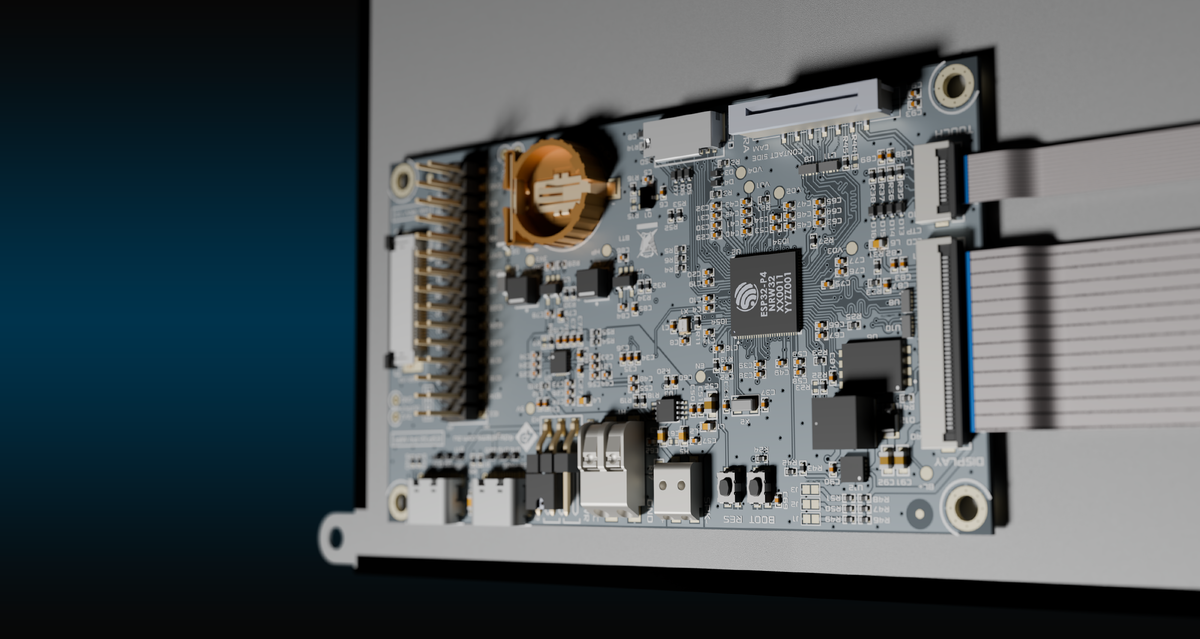
4DHDMI Series
High-Performance HDMI Displays for Embedded and Industrial Applications.
The 4D Systems HDMI Series offers a versatile and powerful family of HDMI-connected TFT-LCD modules designed for seamless integration with single-board computers, embedded systems, and industrial controllers.
Available in a wide selection of sizes, resolutions, and touch or non-touch options, the HDMI Series enables rapid development and deployment of advanced graphical user interfaces (GUIs) and display solutions.

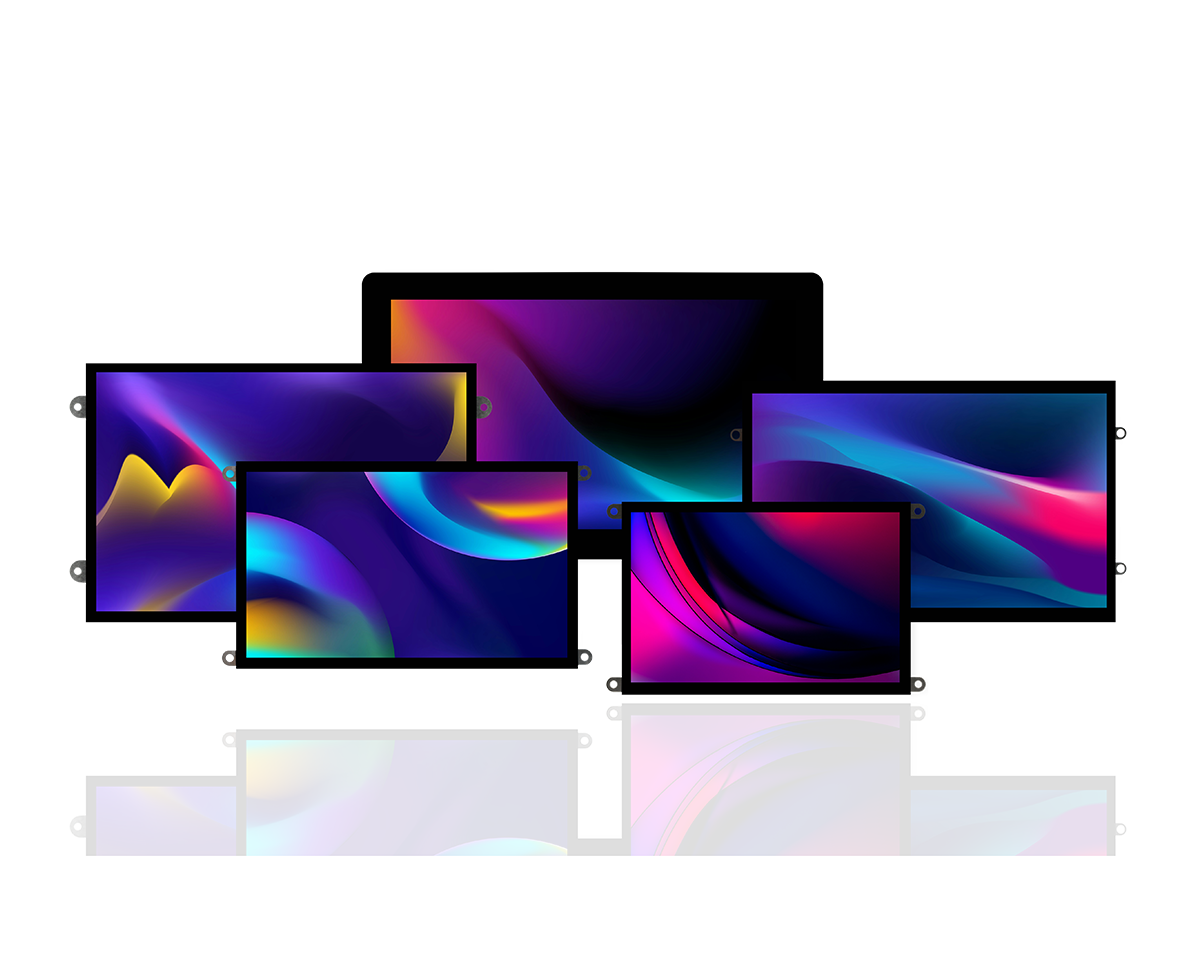
Explore the range
Filters
10 products
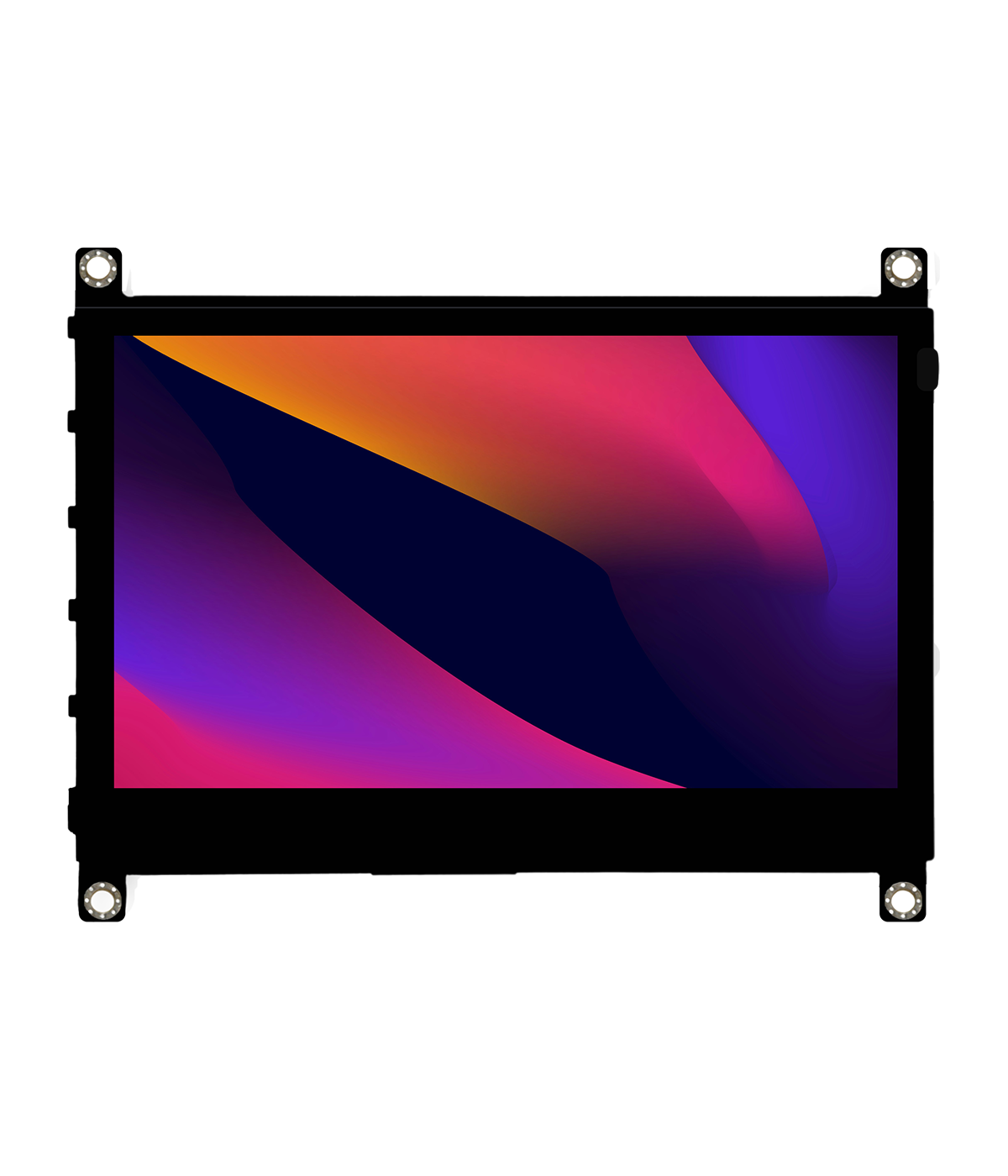
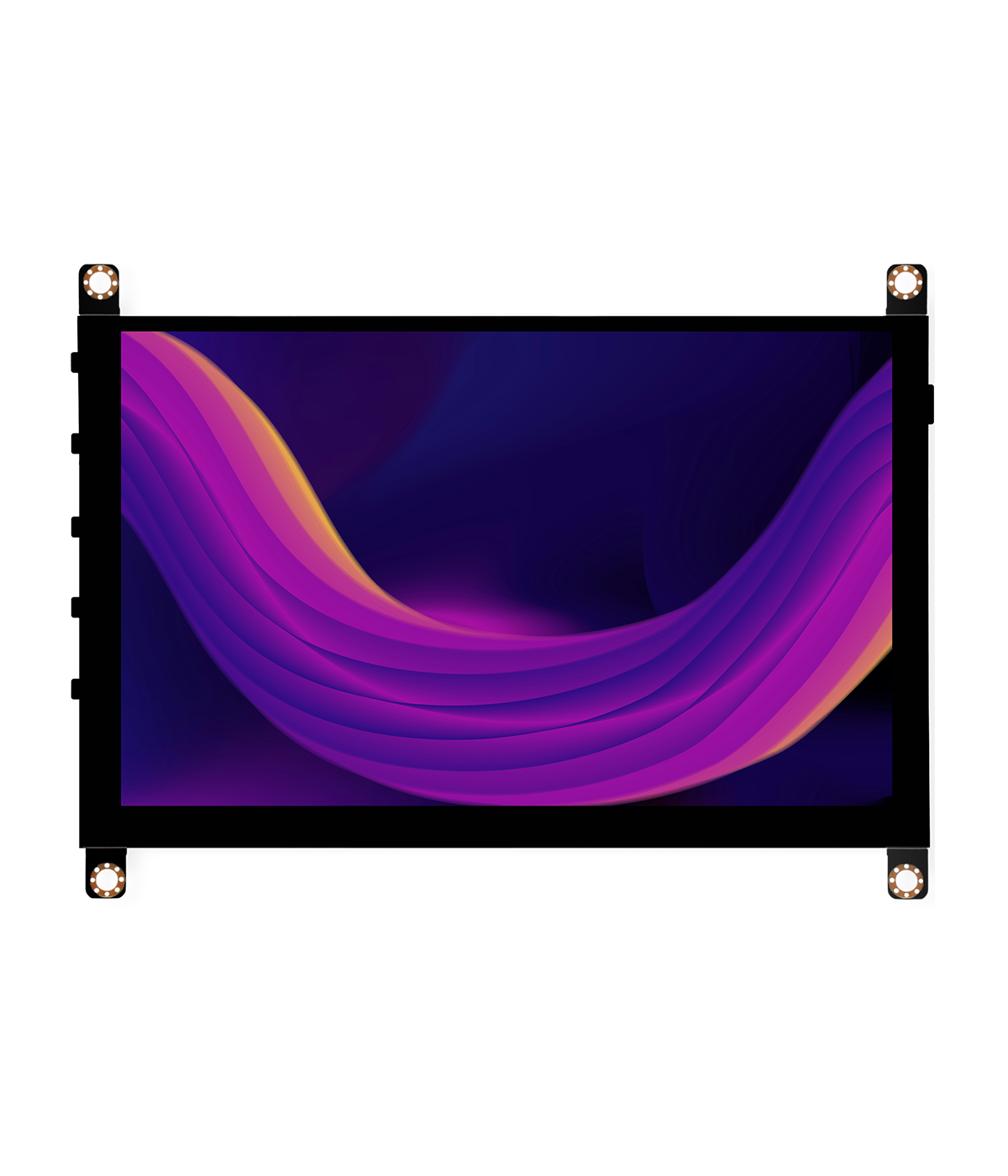


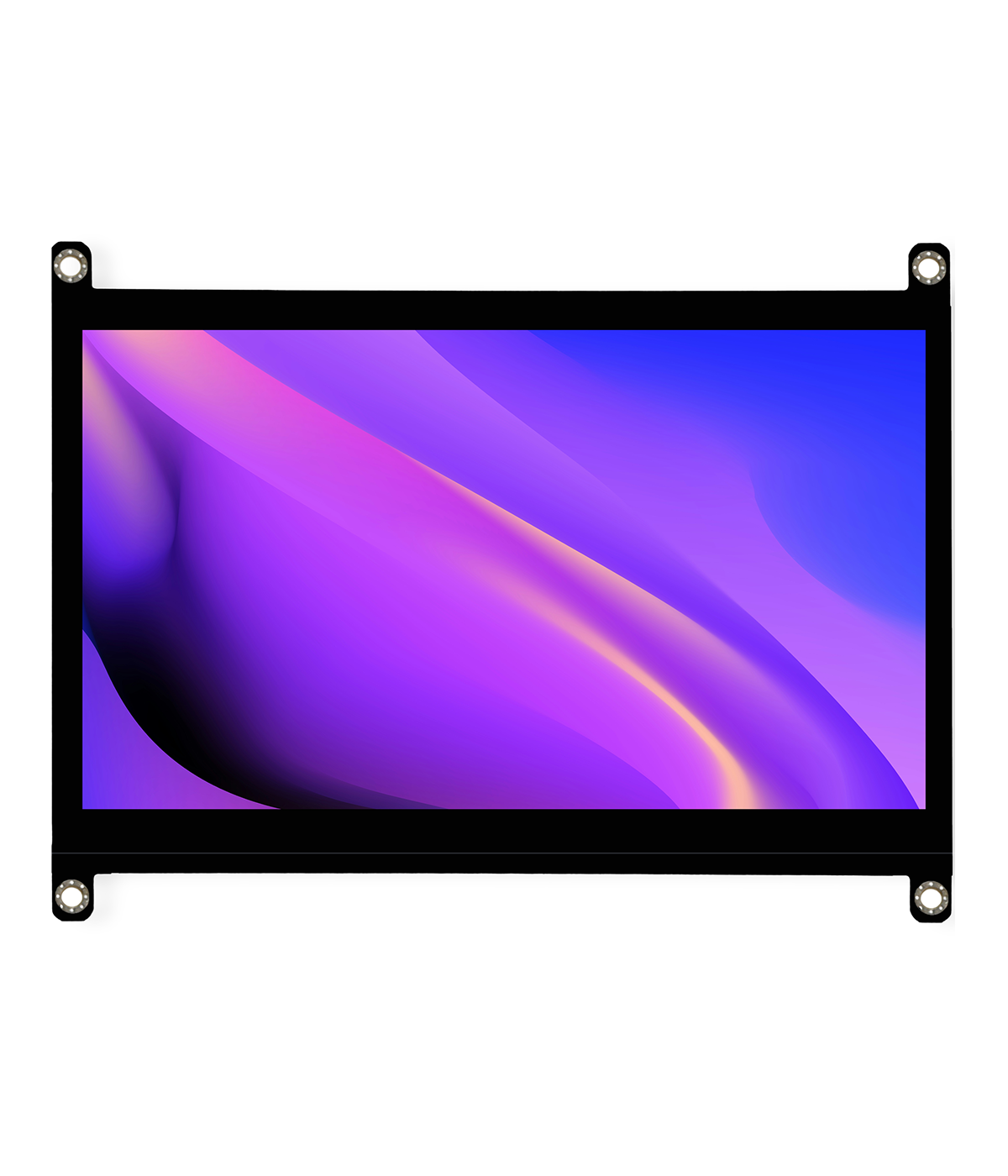
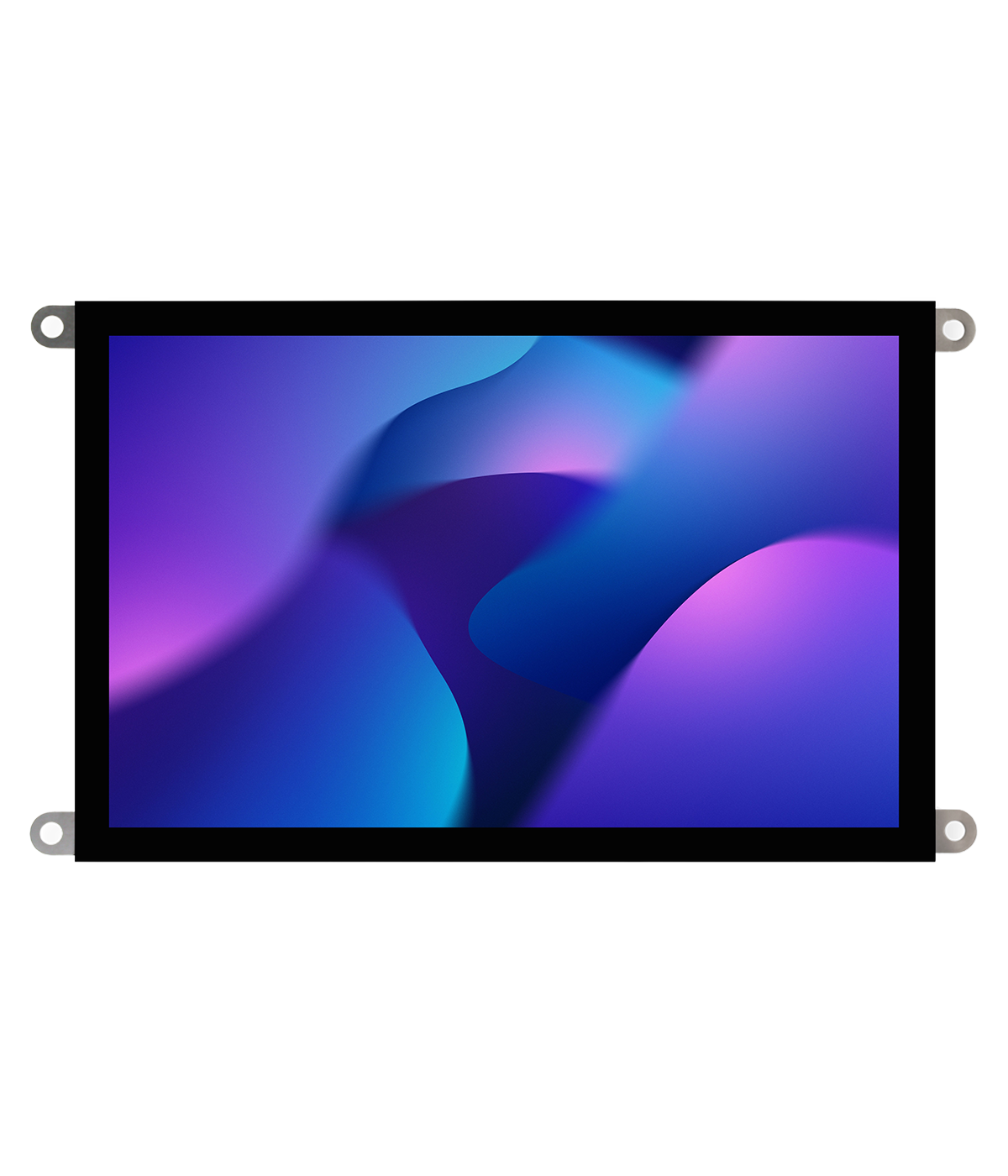
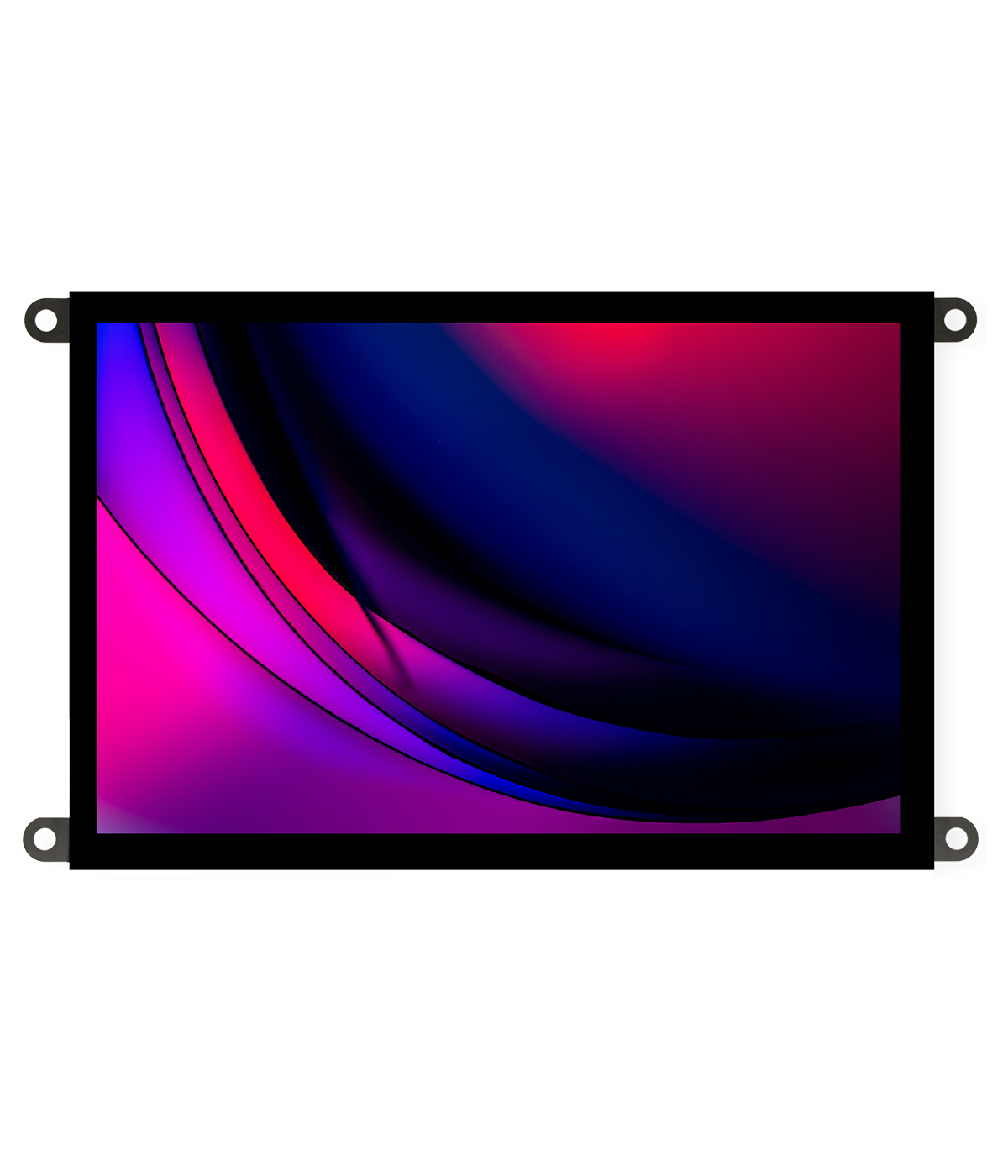
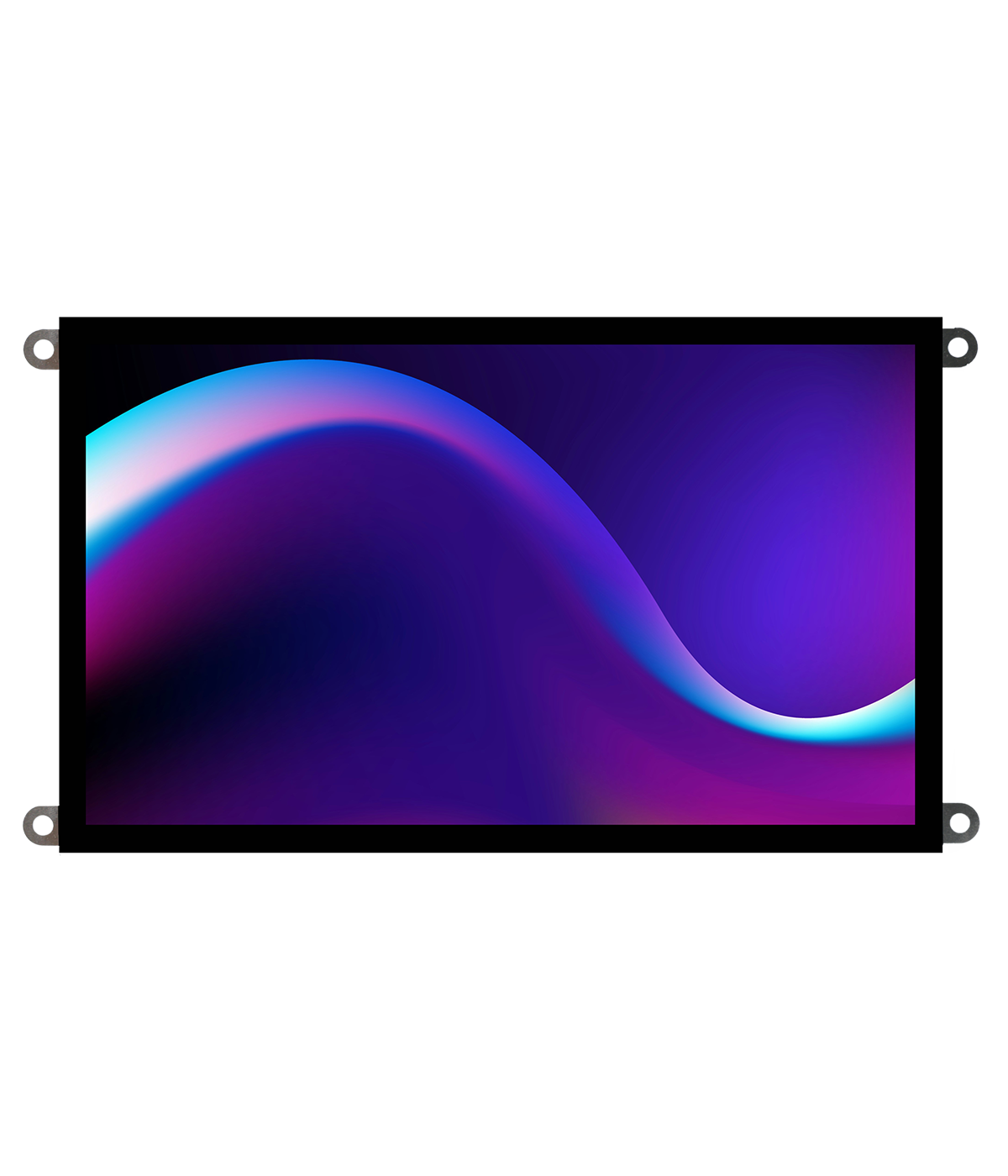
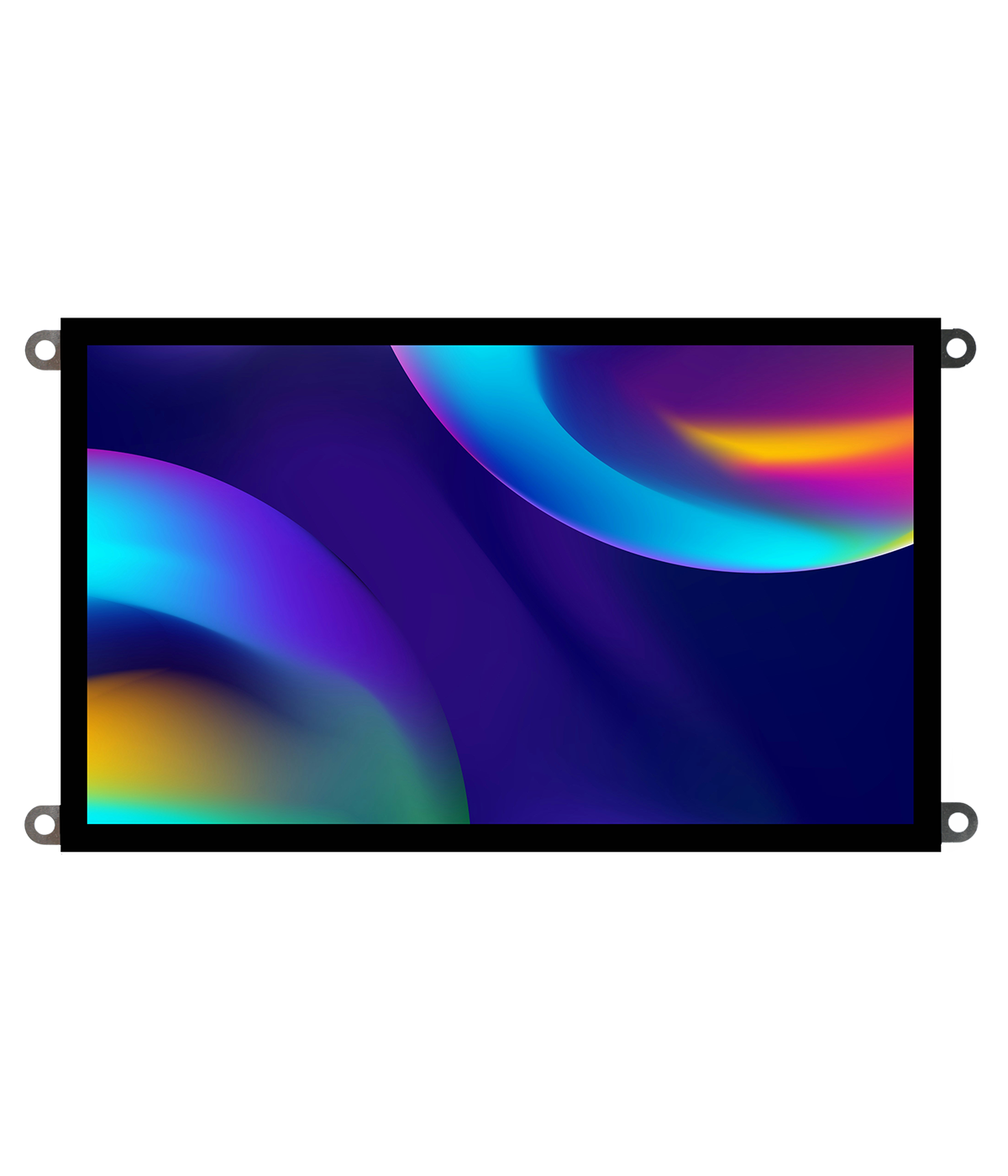
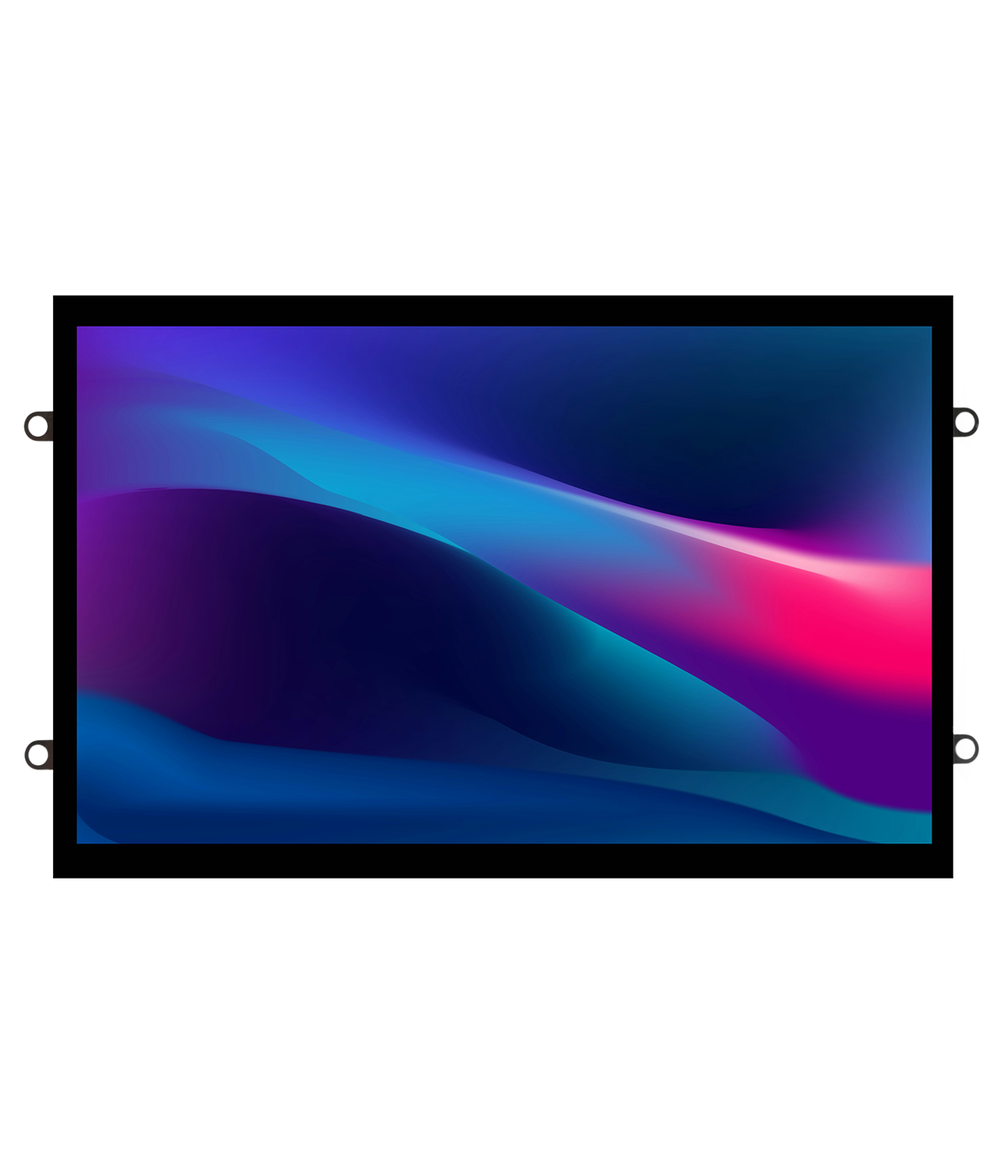
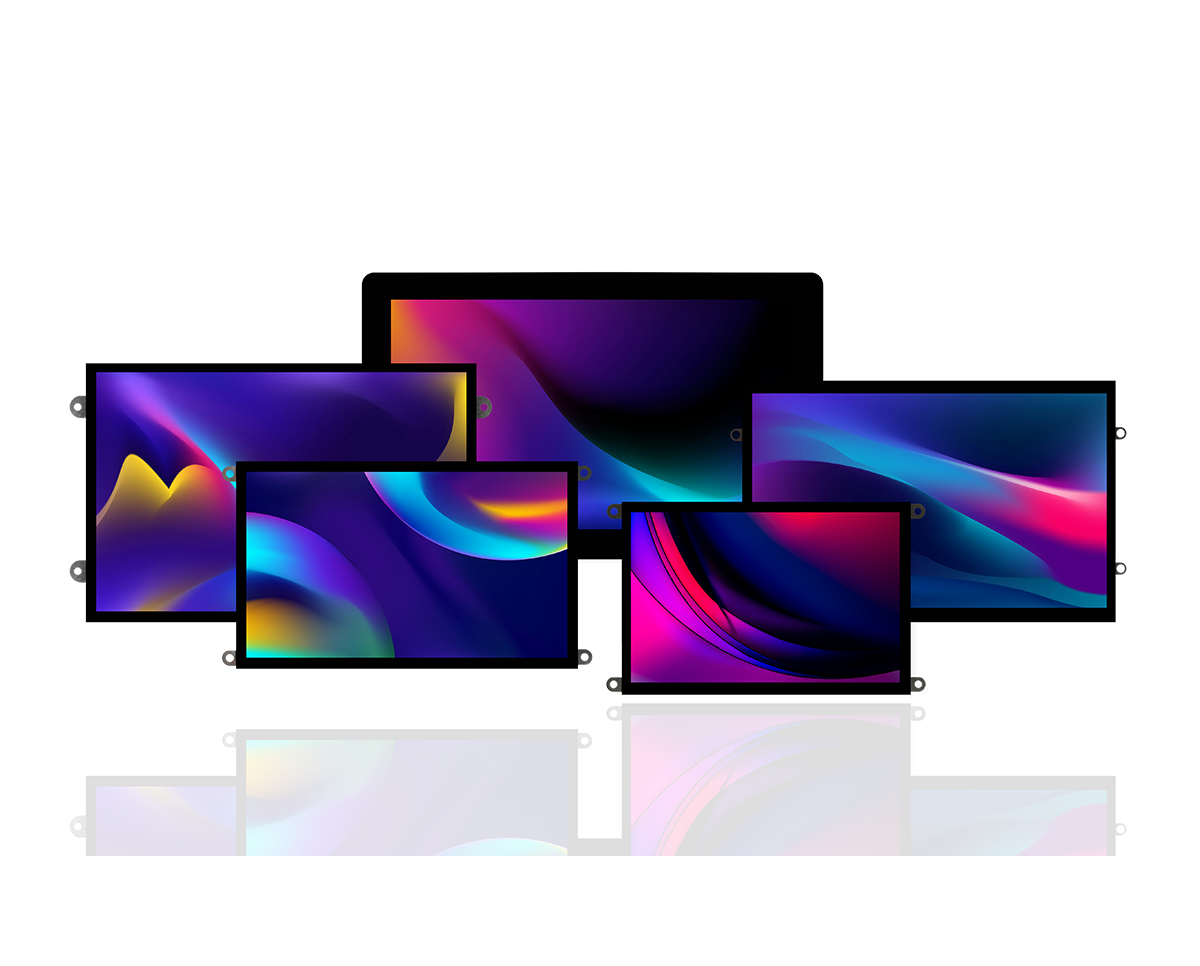
The 4D Systems HDMI Series delivers a new standard for plug-and-play embedded display solutions. Engineered for professional environments, this display family features a broad range of high-resolution, high-brightness modules—each designed to connect instantly to any HDMI output.
Whether you’re developing HMI panels, industrial controls, smart appliances, or rapid prototypes, the HDMI Series offers unmatched flexibility, crystal-clear visuals, and effortless integration with today’s leading single-board computers and embedded platforms.
See Available ModelsAvailable Models


Key Features


Introducing the 4D HDMI Series: Intelligent HDMI Displays for Professional Applications
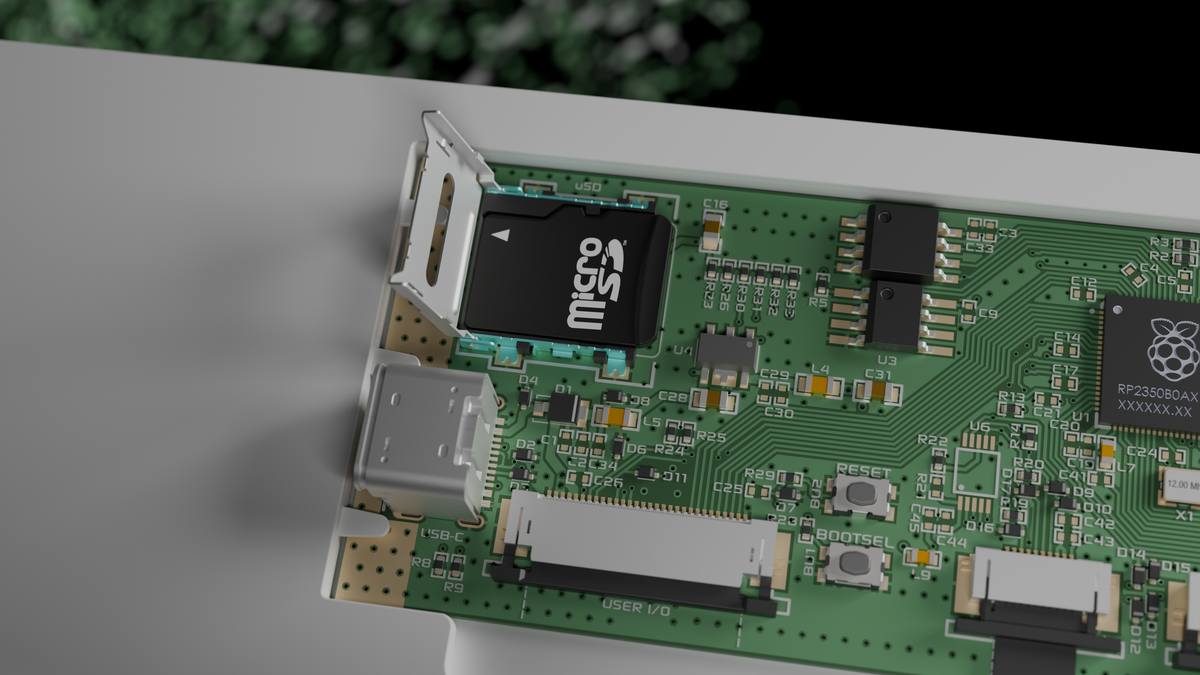
4D Systems launches the 4D HDMI Series—high-quality HDMI displays with Full HD resolution, touch options, and easy plug-and-play setup. Built for industrial and professional use, they offer bright,...


Frequently Asked Questions
Find quick answers about our display modules, embedded integration, customization capabilities, and system compatibility.

How do I choose the right display module for my project?
Start by identifying the demands of your product environment: required screen size, touch capability, operating conditions and UI complexity. Our consistent form-factor families allow you to select a module that fits your constraints today and upgrade performance later without redesigning your enclosure or PCB. Our documentation hub provides comparison tables to assist selection.
What is the difference between a smart display and a host-driven display?
Smart displays include an onboard processor that handles graphics, widgets, UI logic and drawing commands internally. This reduces load on your host MCU, simplifies code and often shortens development time dramatically. Host-driven modules require the host MCU to manage everything, which may be appropriate for minimal UIs but introduces more integration work.
Can I upgrade processors without changing my enclosure or PCB?
Yes. Our architecture is deliberately designed around footprint consistency. Most display families maintain identical mechanical and electrical footprints across multiple processor types, enabling generation-to-generation performance improvements without mechanical redesign.
Do you offer non-touch and touch options?
Yes. Many display families provide variants for non-touch, resistive-touch and capacitive-touch configurations. Capacitive-touch variants are recommended for modern, responsive UI experiences.