


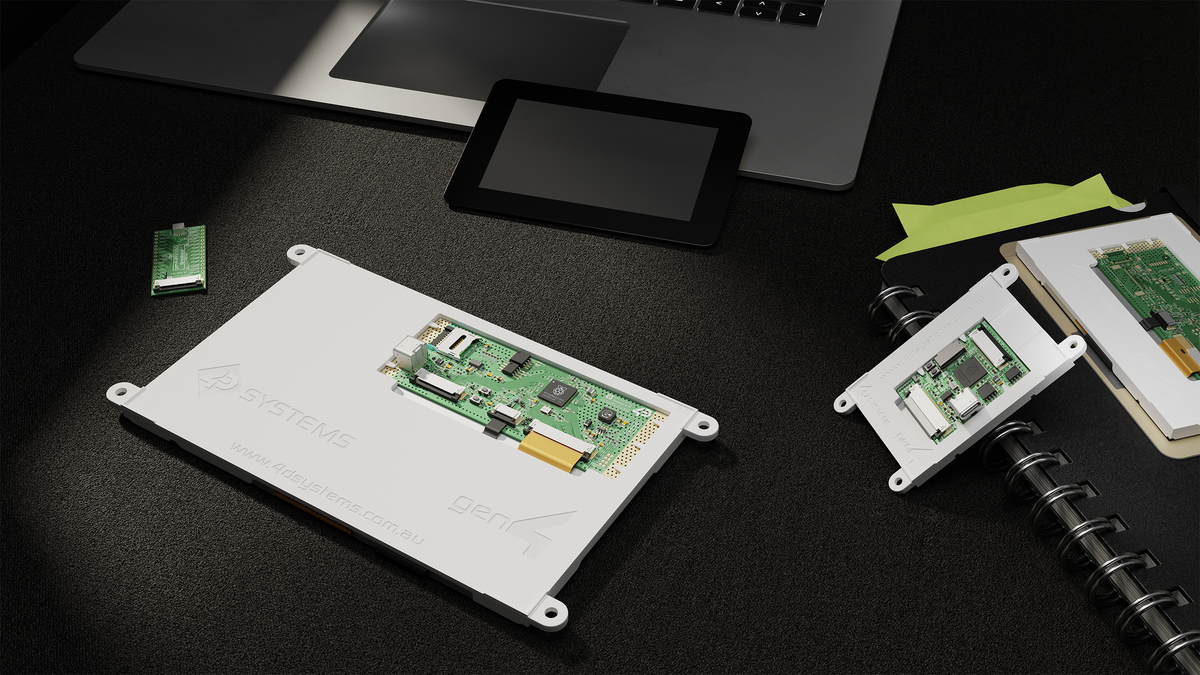
gen4-RP2350 Series
The gen4-RP2350 Series features high-performance display modules ranging from 2.4” to 9.0”, with both touch and non-touch options. Powered by the Raspberry Pi RP2350 microcontroller, these displays offer robust performance, enhanced security features, and versatile connectivity.
The RP2350’s dual-core architecture and comprehensive security make this series ideal for secure, professional-grade applications that require modern UI.


Explore the range
Filters
8 products


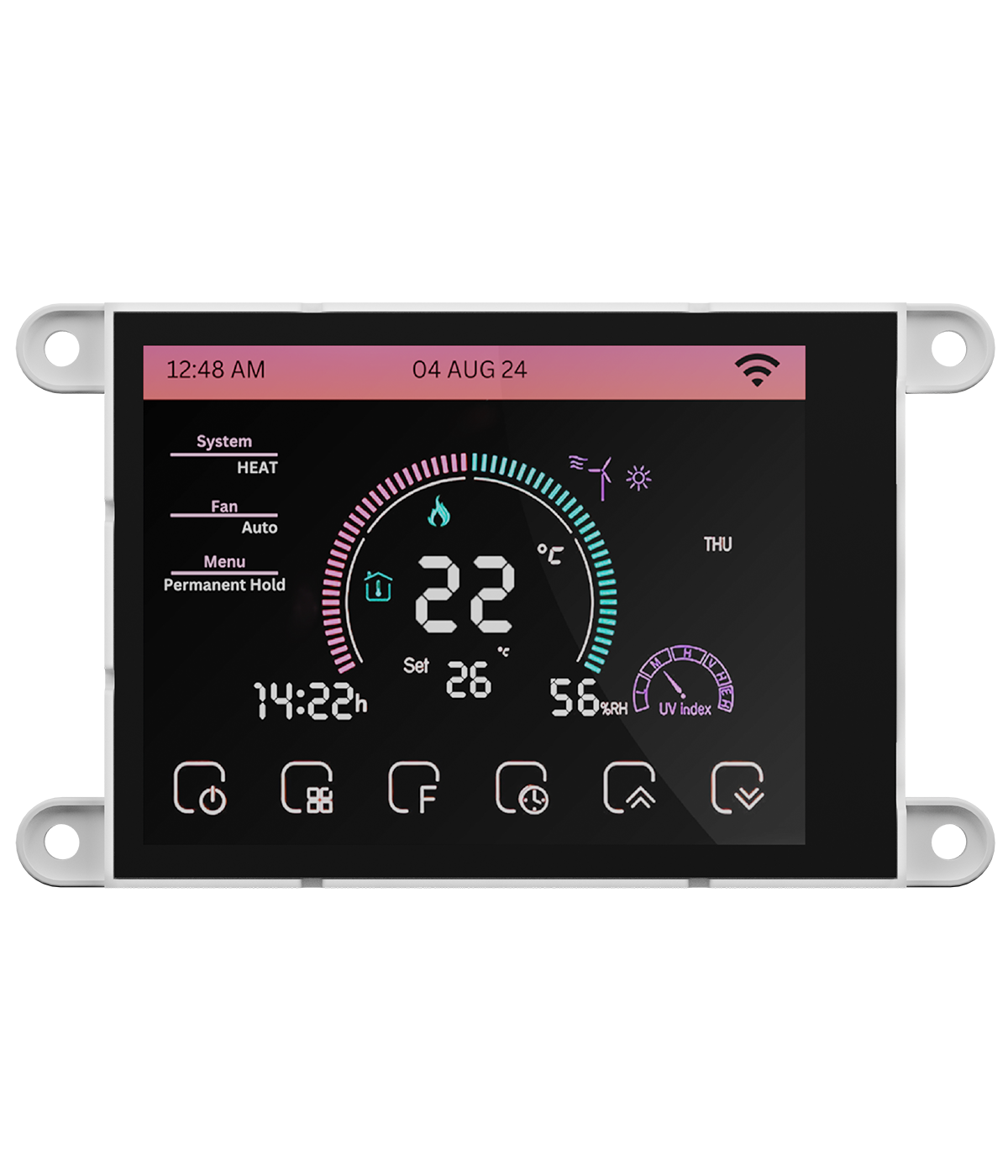


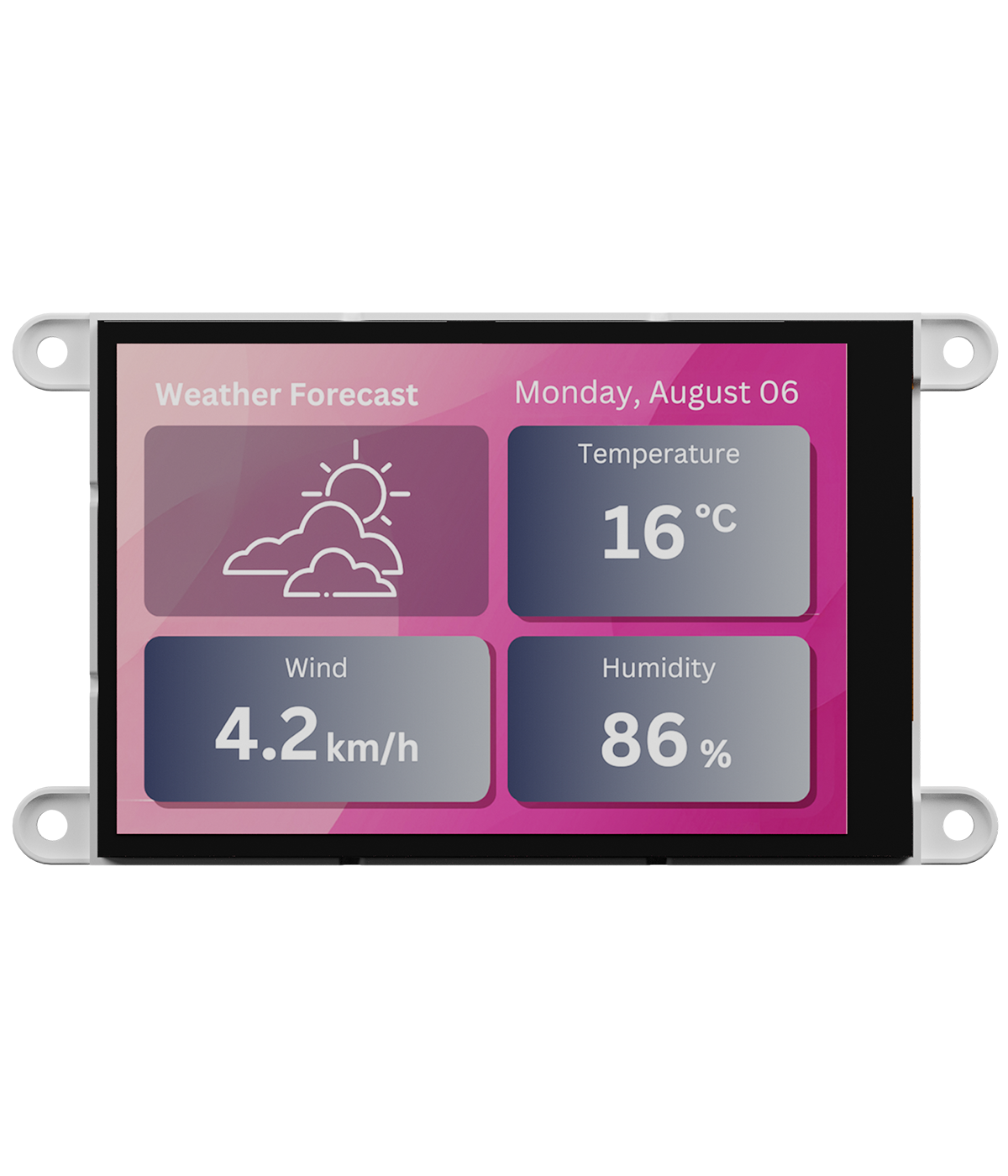


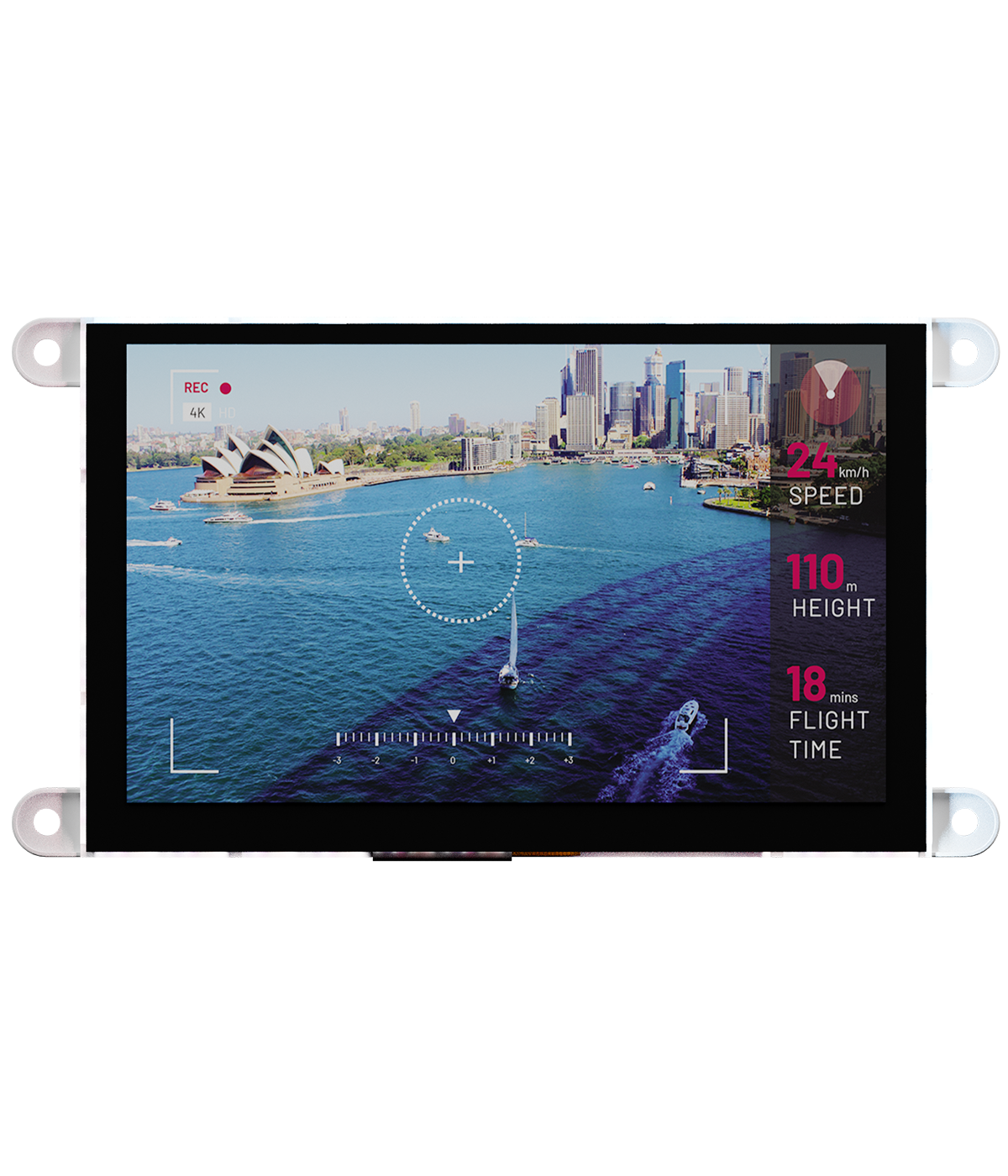

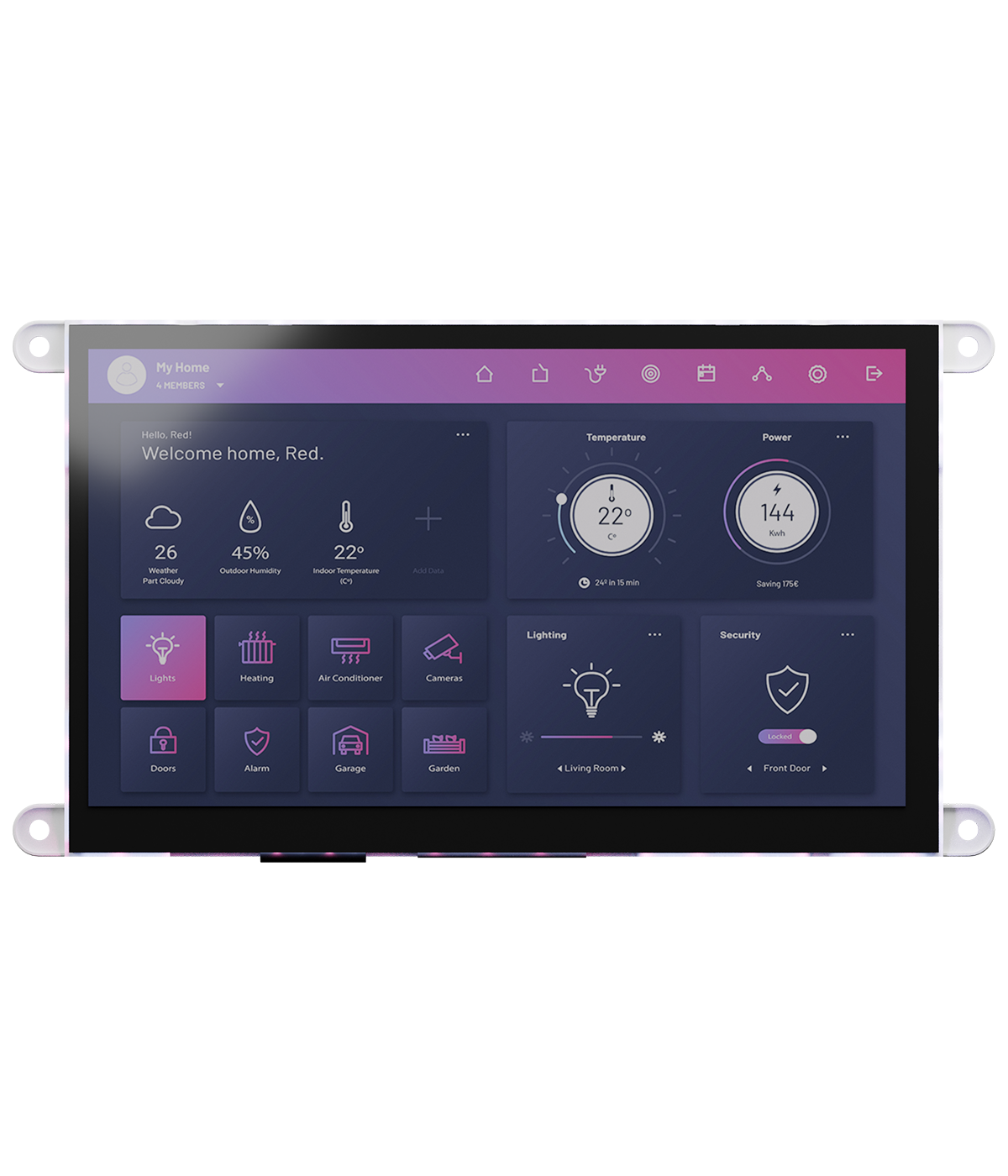
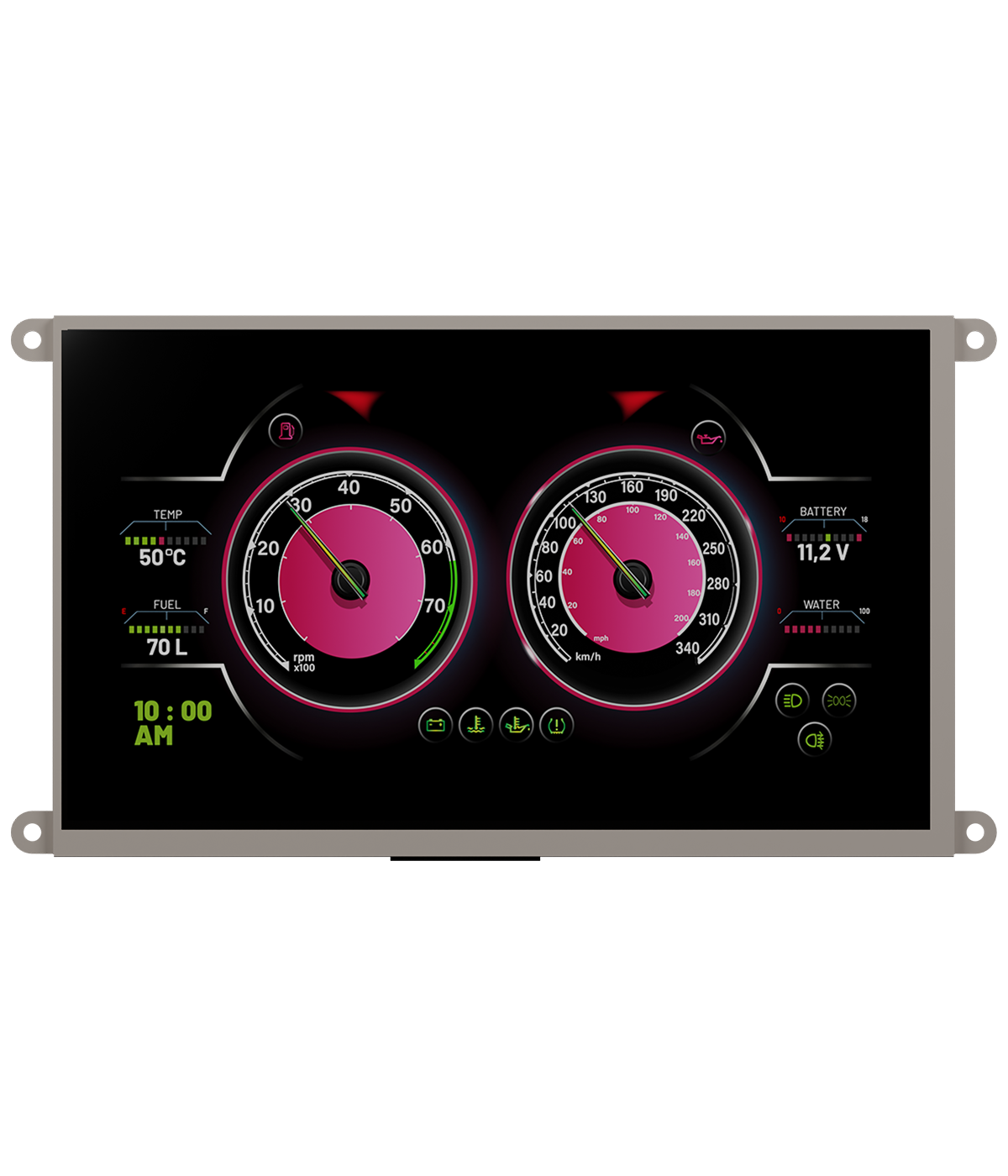

gen4-RP2350 Series Display Modules
Multiple Display Sizes
The 4D Systems gen4-RP2350 Series offers eight display sizes ranging from 2.4″ to 9.0″, with resolutions from 240×320 to 800×480 pixels.
These displays support portrait and landscape modes, providing versatile options for creating user-friendly graphical interfaces in various embedded applications.

Unmistakably gen4
The gen4-RP2350 Series boasts a famous and well-designed smart display form factor:gen4. Its sleek, compact design enhances integration into various projects and offers robust functionality.
The gen4 series is recognized for its versatile, high-quality displays, making it one of the most sought-after solutions in the market.

Touch Panel Options
Each 4D Systems gen4-RP2350 model is available in four touch panel options: without touch, resistive touch, capacitive touch, and capacitive touch with cover lens bezel (CLB).
These choices enable customised user interfaces, offering accurate input and seamless interaction across various application needs.

Powered by Raspberry Pi RP2350
The 4D Systems gen4-RP2350 Series, certified as “Powered by Raspberry Pi,” features the advanced RP2350 microcontroller, which offers dual-core architecture with Arm Cortex-M33 and Hazard3 RISC-V cores.
This series leverages the RP2350’s comprehensive security features, including Arm TrustZone, SHA256 acceleration, and hardware TRNG, making it ideal for secure and versatile applications.

Easy UI Development
Workshop5, the latest integrated development environment (IDE) from 4D Systems, enhances graphical programming with 4D display modules through a fresh interface and improved environments while maintaining familiar functionality.
The dedicated Pico environment is specifically designed for the gen4-RP2350 modules and is based on the Raspberry Pi Pico SDK. With streamlined tools, new widgets, and support for all 4D display modules, Workshop5 offers unparalleled flexibility for creating innovative graphical user interface (GUI) projects, elevating the programming experience for display modules.

The 4D Systems gen4-RP2350 Series offers eight display sizes ranging from 2.4″ to 9.0″, with resolutions from 240×320 to 800×480 pixels.
These displays support portrait and landscape modes, providing versatile options for creating user-friendly graphical interfaces in various embedded applications.
The gen4-RP2350 Series boasts a famous and well-designed smart display form factor:gen4. Its sleek, compact design enhances integration into various projects and offers robust functionality.
The gen4 series is recognized for its versatile, high-quality displays, making it one of the most sought-after solutions in the market.
Each 4D Systems gen4-RP2350 model is available in four touch panel options: without touch, resistive touch, capacitive touch, and capacitive touch with cover lens bezel (CLB).
These choices enable customised user interfaces, offering accurate input and seamless interaction across various application needs.
The 4D Systems gen4-RP2350 Series, certified as “Powered by Raspberry Pi,” features the advanced RP2350 microcontroller, which offers dual-core architecture with Arm Cortex-M33 and Hazard3 RISC-V cores.
This series leverages the RP2350’s comprehensive security features, including Arm TrustZone, SHA256 acceleration, and hardware TRNG, making it ideal for secure and versatile applications.
Workshop5, the latest integrated development environment (IDE) from 4D Systems, enhances graphical programming with 4D display modules through a fresh interface and improved environments while maintaining familiar functionality.
The dedicated Pico environment is specifically designed for the gen4-RP2350 modules and is based on the Raspberry Pi Pico SDK. With streamlined tools, new widgets, and support for all 4D display modules, Workshop5 offers unparalleled flexibility for creating innovative graphical user interface (GUI) projects, elevating the programming experience for display modules.
Available Models


WORKSHOP5 IDE
Tailored Development for 4D Processors and Modules

Workshop5 is a powerful IDE designed to streamline user interface design and application development for the 4D Systems family of processors and modules. By integrating an editor, compiler, linker, and downloader into one cohesive platform, it offers a comprehensive solution for developers of all skill levels.
Workshop5 provides four distinct development environments to accommodate various project needs. ViSi offers a visual programming experience with drag-and-drop functionality to simplify design and generate 4DGL code, while Genie enables rapid, code-free UI creation with automatic code generation and a Genie Magic feature for custom enhancements. The Extended Serial (SPE) environment facilitates development using serial commands, connecting host controllers such as Arduino to 4D displays for direct graphical control.
This versatility allows developers to create and fine-tune sophisticated user interfaces with ease. Whether working entirely within the IDE or integrating other tools, Workshop5 offers flexibility to meet different development preferences. Its unified, user-friendly approach makes it an excellent choice for building and managing complex projects, ensuring a seamless transition from graphical design to core functionality. With its tailored environments, developers can efficiently develop modern and customized interfaces for a wide range of applications.
gen4-RP2350 Accessories

The gen4-Breakout Board offers direct access to all 30 signals from gen4-RP2350 Series display modules via convenient through-hole pads.
Featuring a 30-way top-contact FFC connector, it simplifies development, prototyping, and integration by eliminating conflicts with USB interfaces. Compatible with all 30-way FFC modules, it enables flexible, breadboard-friendly connections without requiring direct management of the FPC.
gen4-RP2350-Breakout

30-pin Flexible Flat Cable (FFC) with 0.5mm pitch (opposite way), available in length variable from 22mm to 200mm.Compatible with a standard 30-pin, 0.5mm pitch, 0.3mm thick FFC connector.
This cable on one end has contacts on the top of the cable, and the other end has contacts at the bottom of the cable.The 4D-FFC- cables are ideal for connecting all the 4D Systems displays to any host board.
Flexible Flat Cables

The gen4-uLCD Starter Kit includes everything necessary for development with any gen4-uLCD Series display. It is highly recommended for first-time users and can be added to any display model.
The starter kit includes a 4D-UPA for serial debugging, gen4-RP2350-Breakout board, 150mm FFC cable, and microSD-4GB industrial card.
gen4-RP2350 Starter Kit

Thegen4-RP2350 Connection Kitincludes everything necessary to connect the gen4-RP2350 Seriesdisplays I/O to any host board or breadboard.
It comprises the 30-pin Flexible Flat Cable (15 cm long) and the gen4-RP2350-Breakout board.
gen4-RP2350 Connection Kit

These plastic bezels are designed to provide a sleek and secure mounting solution for uLCD and gen4-uLCD intelligent display modules.
Available for a variety of display sizes and types, they facilitate easy panel mounting without the need for additional washers or complex drilling.
Display Bezels

The gen4-RP2350 Series Powered by Raspberry Pi is Now Available
The 4D Systems gen4-RP2350 series offers 2.4”–9.0” touch displays powered by the Raspberry Pi RP2350, ideal for industrial and IoT projects.


Frequently Asked Questions
Find quick answers about our display modules, embedded integration, customization capabilities, and system compatibility.

How do I choose the right display module for my project?
Start by identifying the demands of your product environment: required screen size, touch capability, operating conditions and UI complexity. Our consistent form-factor families allow you to select a module that fits your constraints today and upgrade performance later without redesigning your enclosure or PCB. Our documentation hub provides comparison tables to assist selection.
What is the difference between a smart display and a host-driven display?
Smart displays include an onboard processor that handles graphics, widgets, UI logic and drawing commands internally. This reduces load on your host MCU, simplifies code and often shortens development time dramatically. Host-driven modules require the host MCU to manage everything, which may be appropriate for minimal UIs but introduces more integration work.
Can I upgrade processors without changing my enclosure or PCB?
Yes. Our architecture is deliberately designed around footprint consistency. Most display families maintain identical mechanical and electrical footprints across multiple processor types, enabling generation-to-generation performance improvements without mechanical redesign.
Do you offer non-touch and touch options?
Yes. Many display families provide variants for non-touch, resistive-touch and capacitive-touch configurations. Capacitive-touch variants are recommended for modern, responsive UI experiences.