


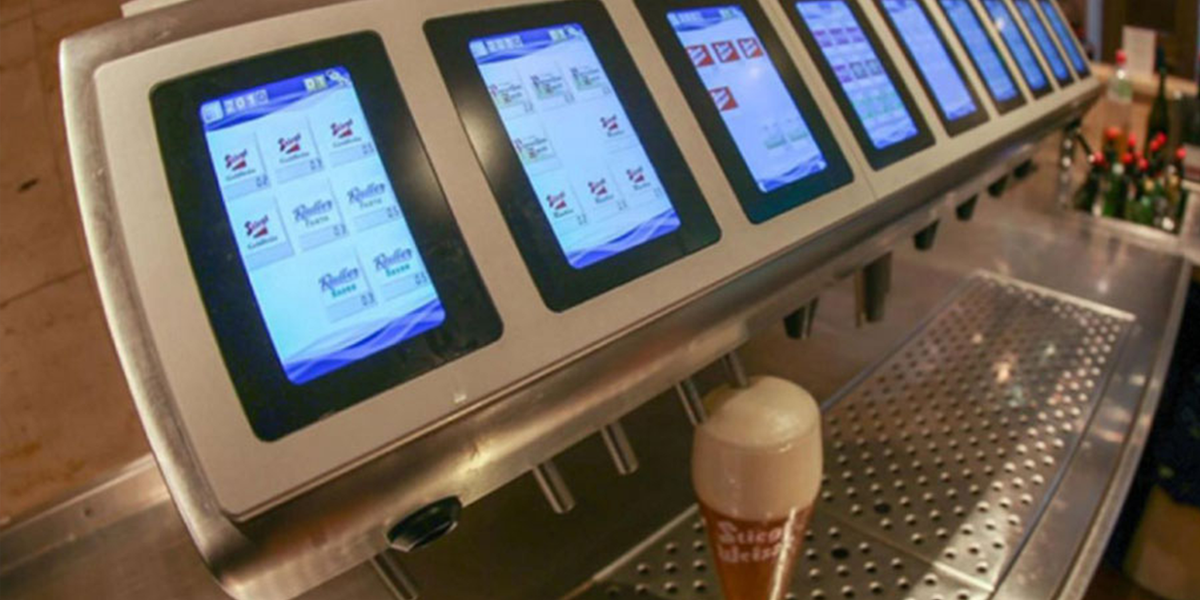
How to easily incorporate a colour display and touch interface into an existing design
The rapid adoption of Full Colour Graphics Displays with Touch in embedded designs across consumer and industrial sectors has been significantly propelled by the smartphone and tablet surge over th...

5 Things To Consider When Incorporating A Display Into Your Embedded Design
In modern embedded designs, interactive displays are pivotal, thanks to early smartphone innovations. Designers choose between creating from scratch or utilizing off-the-shelf modules like 4D Syste...

The Maker movement, underlined by a DIY ethos, is accelerating innovation across fields. With the aid of open source hardware and software, individuals now have the tools to bring their ideas to li...
Innovative Display Solutions


Frequently Asked Questions
Find quick answers about our display modules, embedded integration, customization capabilities, and system compatibility.

How do I choose the right display module for my project?
Start by identifying the demands of your product environment: required screen size, touch capability, operating conditions and UI complexity. Our consistent form-factor families allow you to select a module that fits your constraints today and upgrade performance later without redesigning your enclosure or PCB. Our documentation hub provides comparison tables to assist selection.
What is the difference between a smart display and a host-driven display?
Smart displays include an onboard processor that handles graphics, widgets, UI logic and drawing commands internally. This reduces load on your host MCU, simplifies code and often shortens development time dramatically. Host-driven modules require the host MCU to manage everything, which may be appropriate for minimal UIs but introduces more integration work.
Can I upgrade processors without changing my enclosure or PCB?
Yes. Our architecture is deliberately designed around footprint consistency. Most display families maintain identical mechanical and electrical footprints across multiple processor types, enabling generation-to-generation performance improvements without mechanical redesign.
Do you offer non-touch and touch options?
Yes. Many display families provide variants for non-touch, resistive-touch and capacitive-touch configurations. Capacitive-touch variants are recommended for modern, responsive UI experiences.
INDUSTRIES WE SERVE
Across all industries, engineers want clarity, stability, and intelligent embedded design.
We design solutions that align with how engineering teams work. Our approach reduces redesigns, supports multiple processors with the same form factor, and integrates cleanly with existing hardware.


