


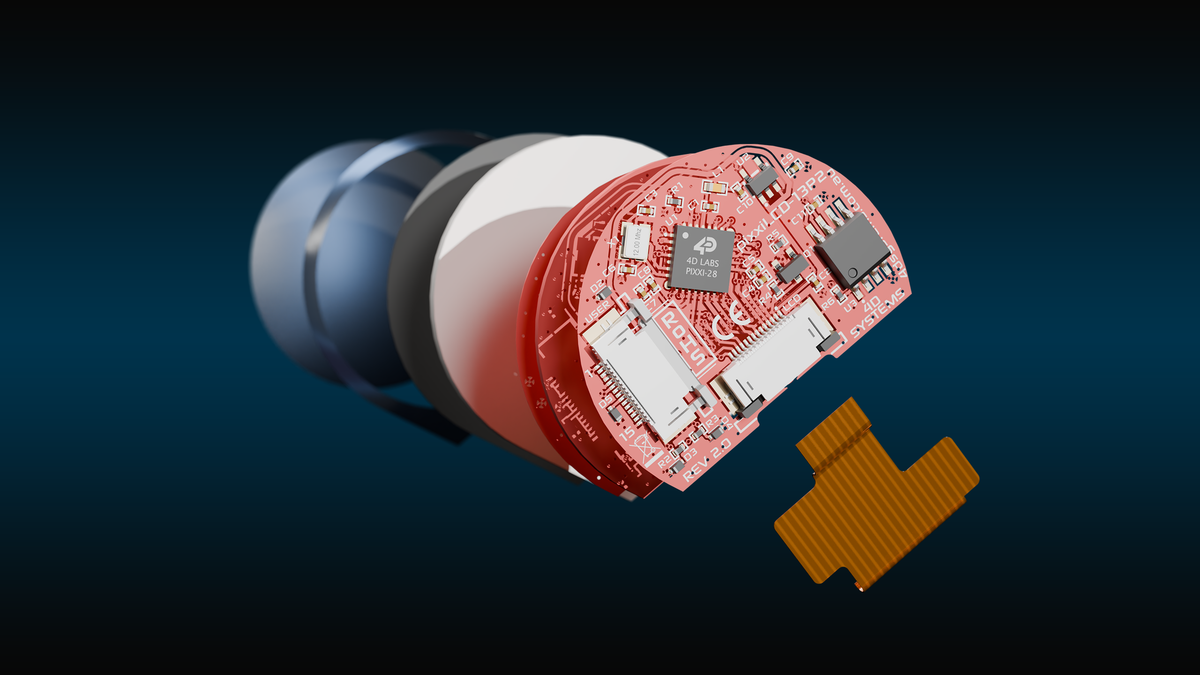
pixxiLCD Series
The pixxiLCD Series is designed to offer compact, intelligent display solutions with versatility for embedded applications. Powered by the PIXXI-28 and PIXXI-44 processors, these modules have IPS technology and come in sizes ranging from 1.3” to 3.9”. They offer excellent viewing angles and vibrant colour reproduction.
The display modules have capacitive touch or non-touch options, providing flexibility in various use cases such as industrial control systems, automotive displays, and medical devices.

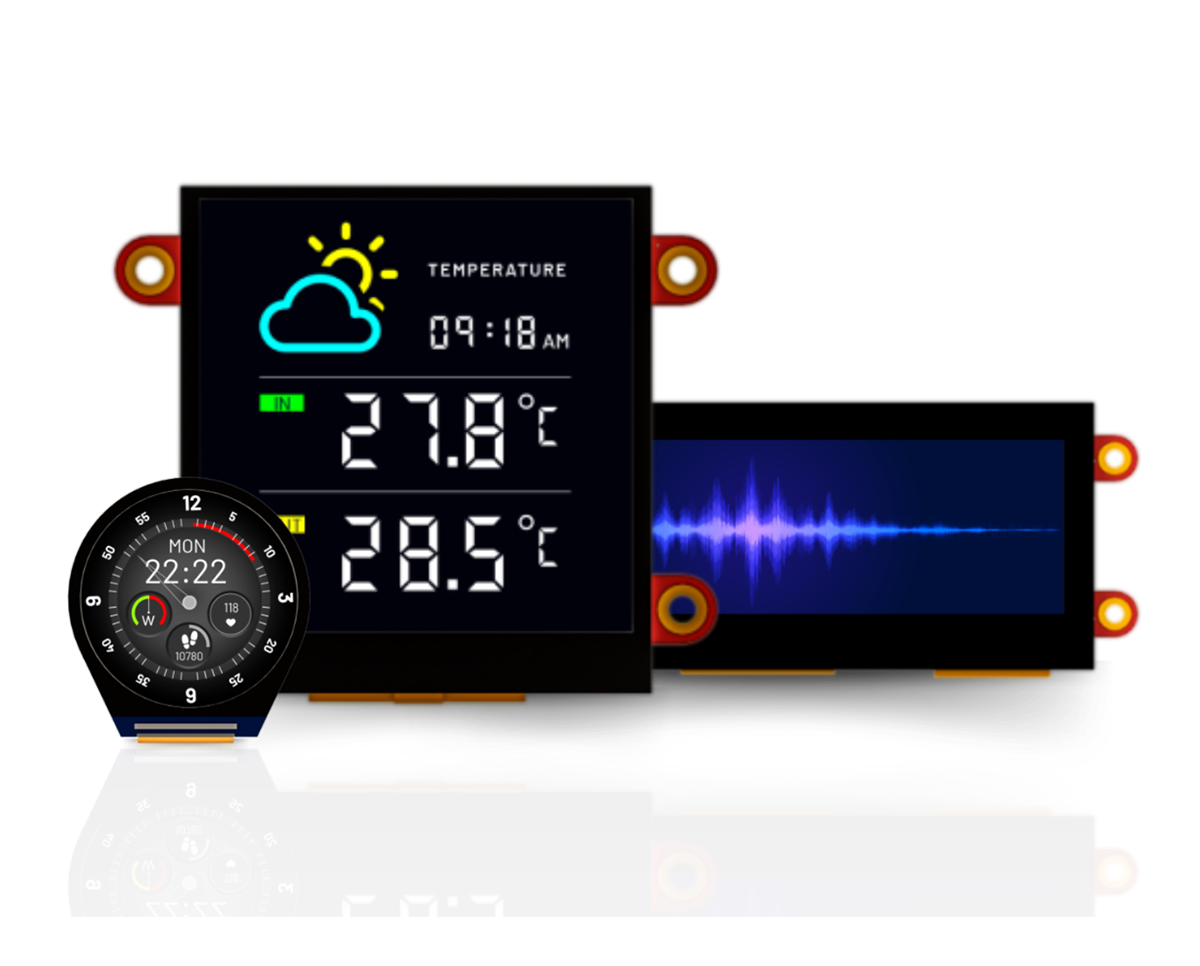
Explore the range
Filters
4 products
PIXXI Processors Series Display Modules
Multiple Display Sizes
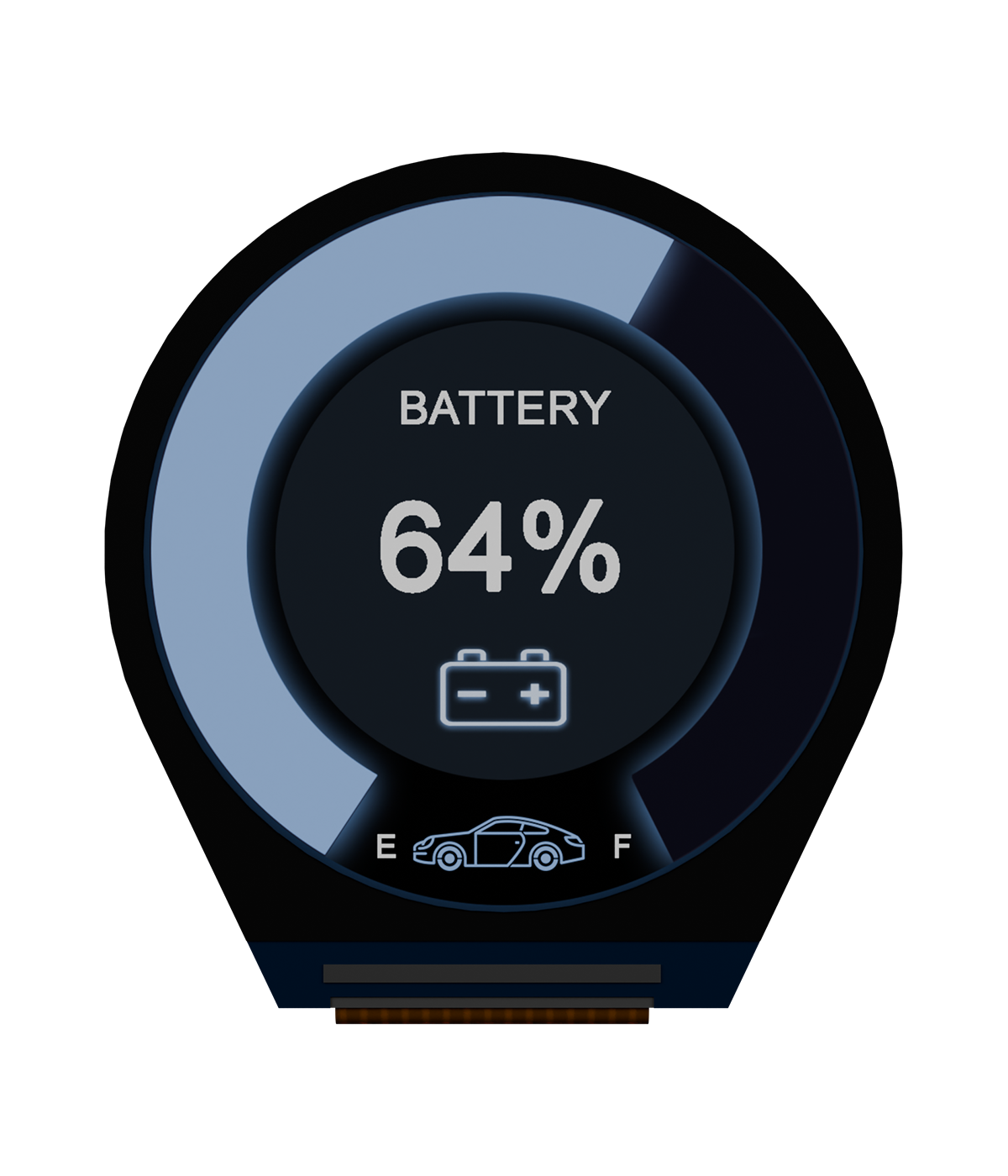
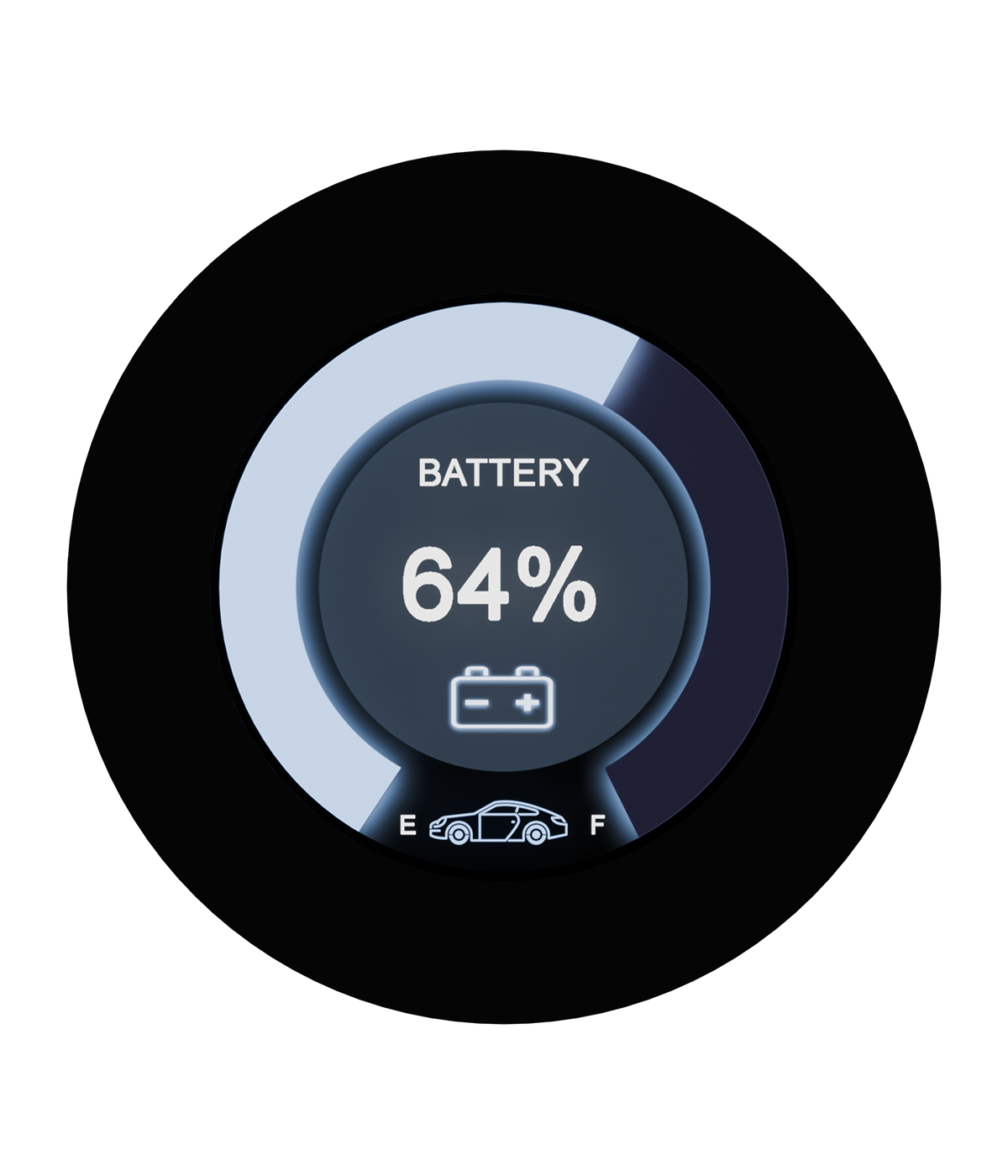
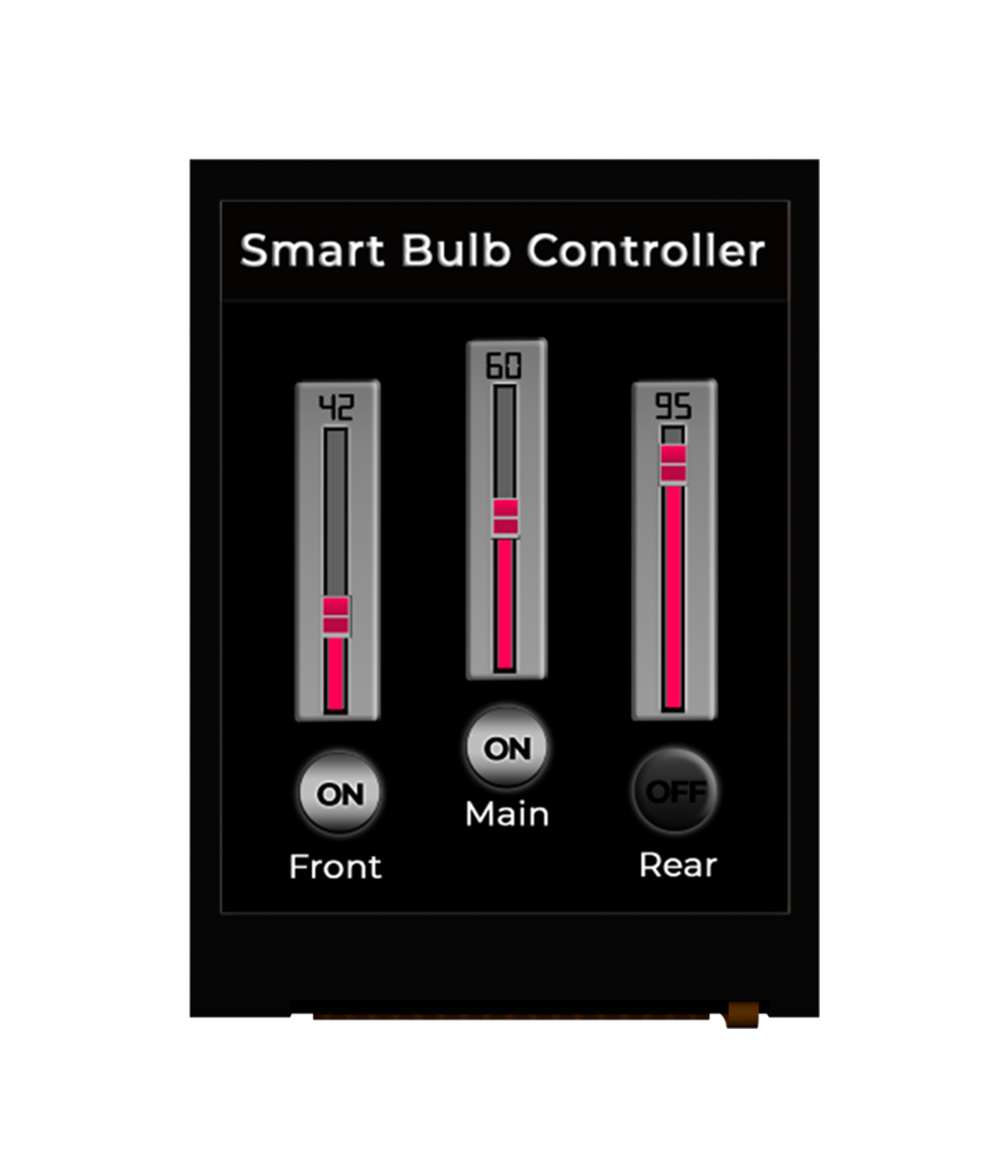
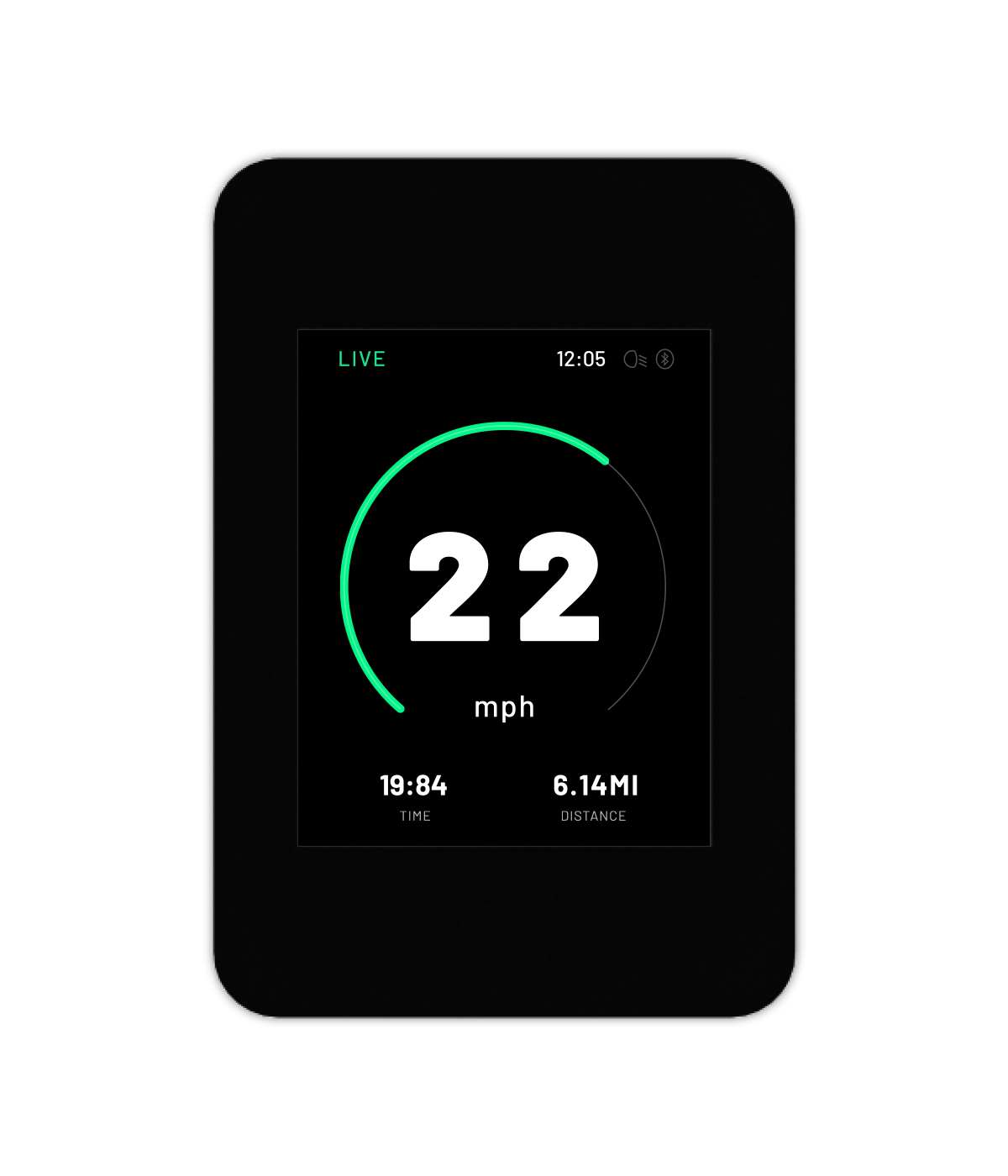
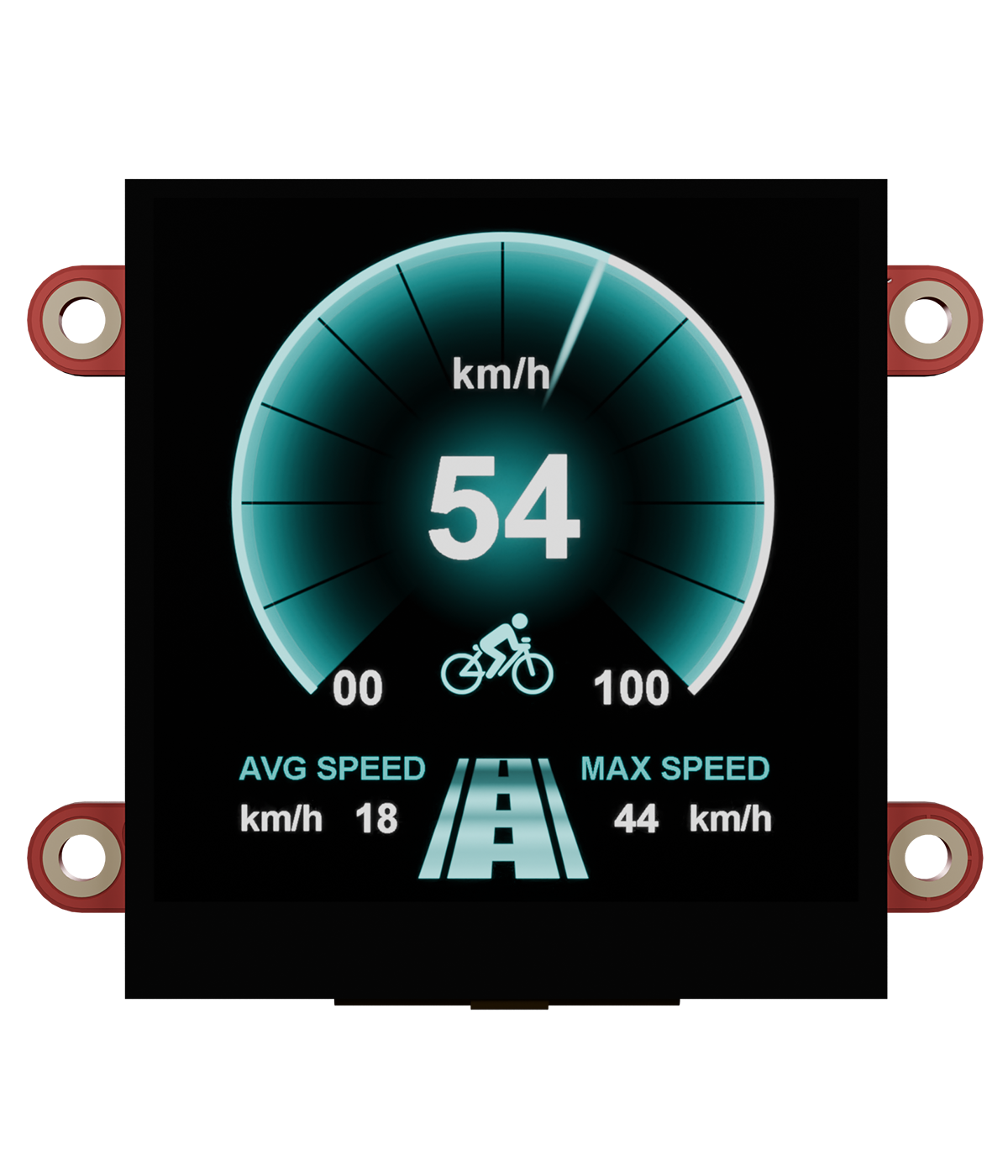
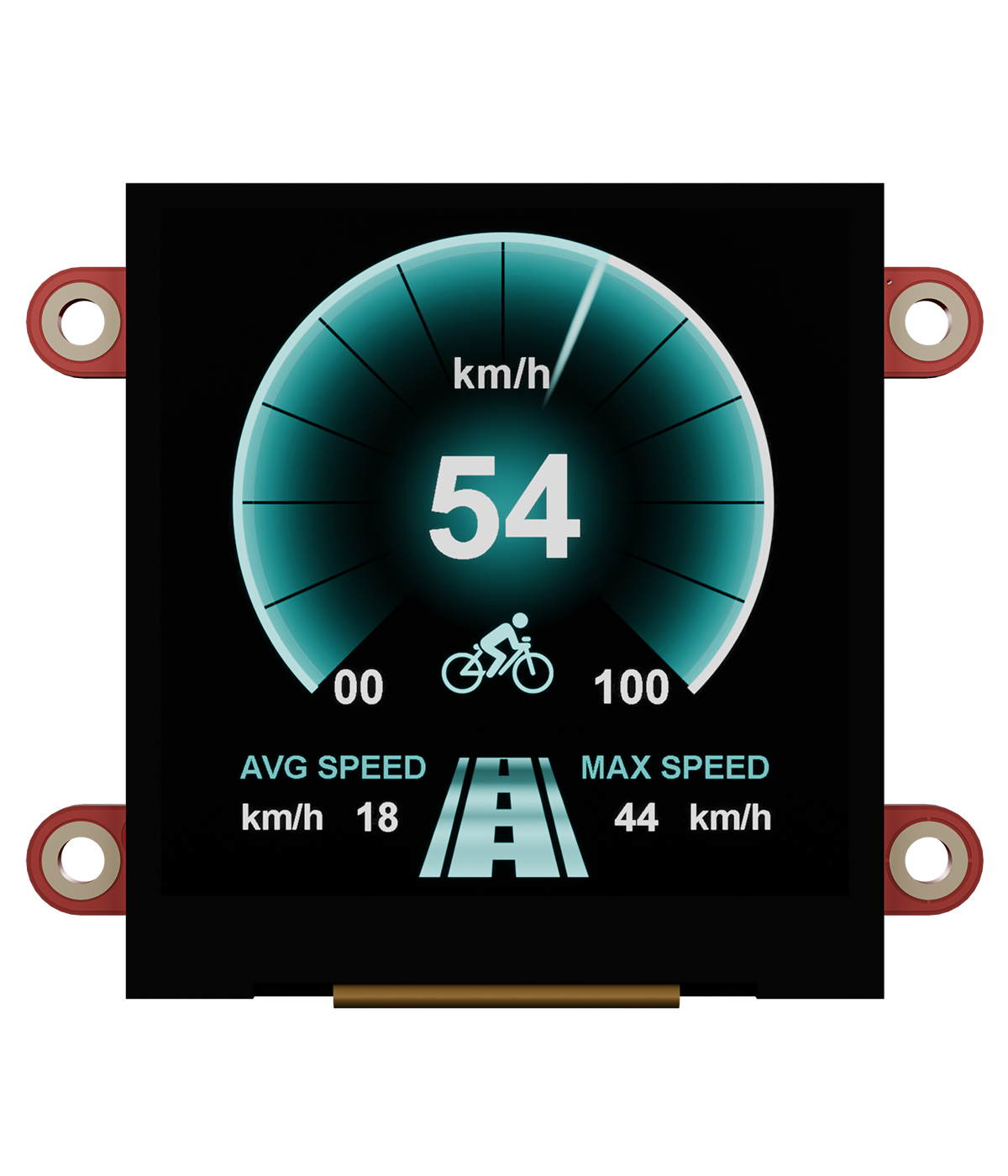
The pixxiLCD display modules come in various sizes and shapes to suit different application needs. The pixxiLCD-13P2 features a compact 1.3-inch square display with a resolution of 240×240 pixels, ideal for space-constrained designs. The pixxiLCD-20P2 offers a 2.0-inch round display with a high-resolution of 480×480 pixels, perfect for modern circular interfaces. The pixxiLCD-25P4 provides a 2.5-inch rectangular display at 320×240 pixels, suitable for traditional layouts.
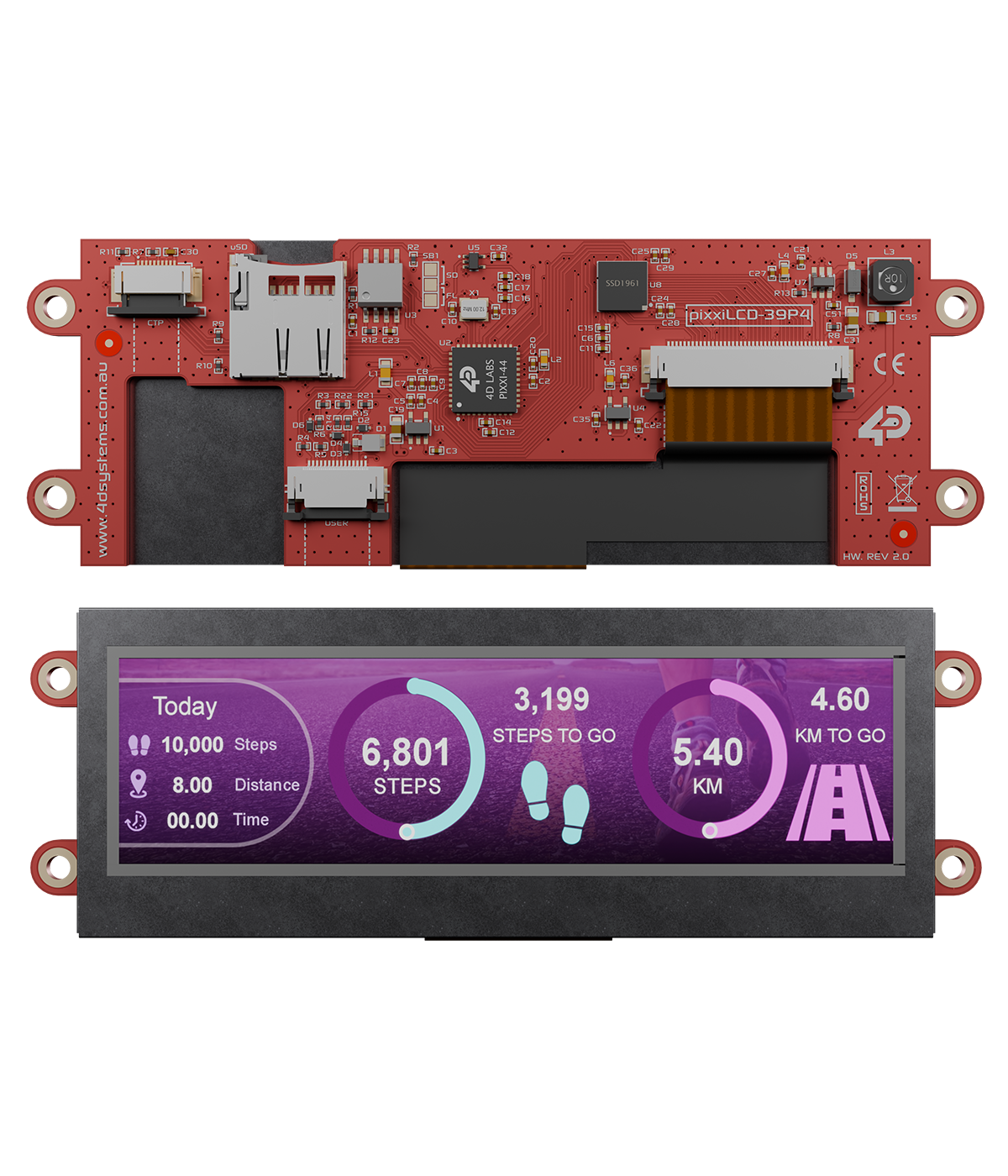
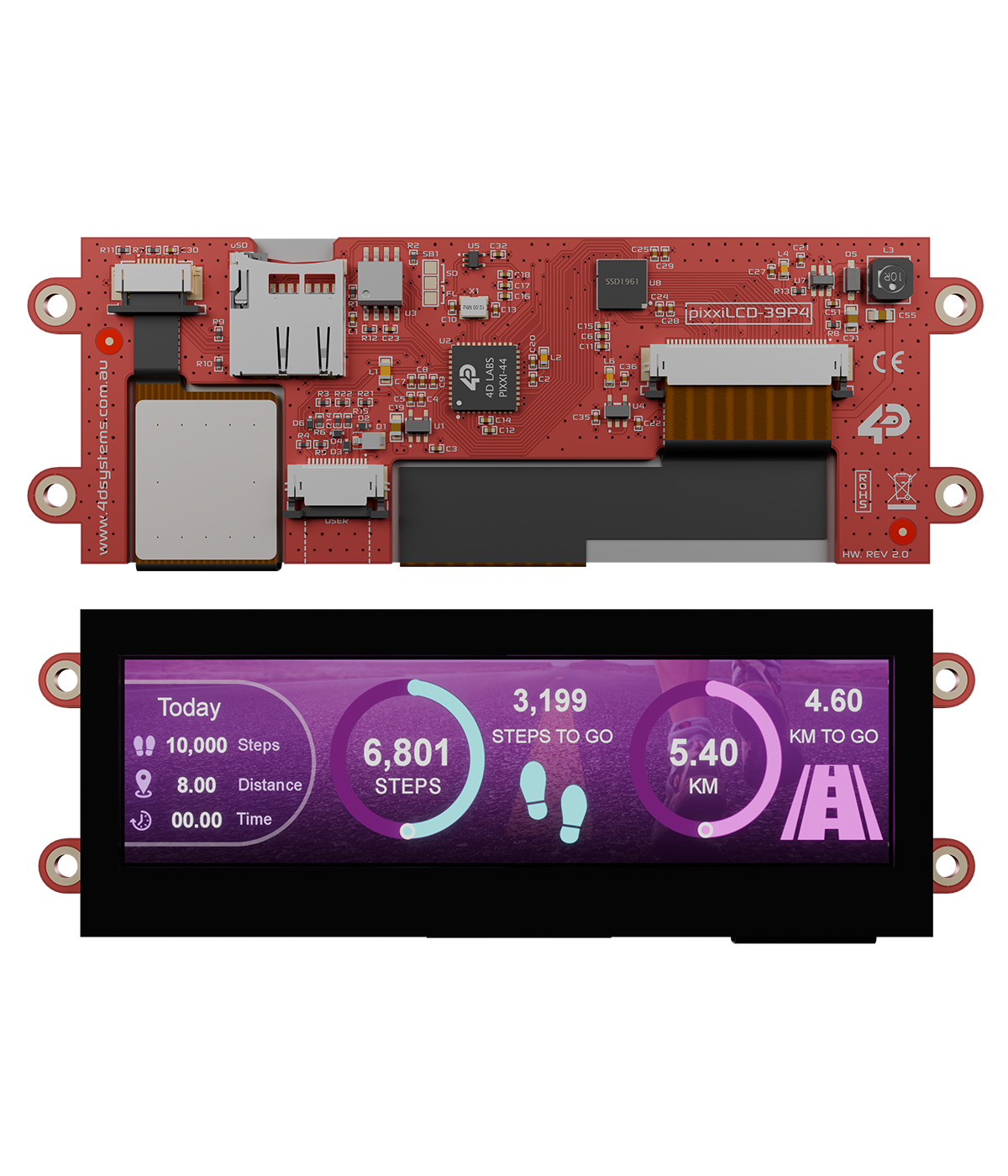
The largest, pixxiLCD-39P4, boasts a 3.9-inch wide display with a resolution of 480×128 pixels, ideal for panoramic and extended interface designs.

Touch Panel Options
The pixxiLCD series offers versatile touch panel options to enhance user interaction. The pixxiLCD-13P2 and pixxiLCD-20P2 models are available without touch ore with capacitive touch with bezels, providing multi-touch capabilities and high durability. The pixxiLCD-25P4 and pixxiLCD-39P4 are available without touch or with capacitive touch panel, enabling precise and responsive input for wide-format displays.
These touch panel options allow developers to select the most appropriate touch technology for their specific application needs.

Powered by the PIXXI-28 and PIXXI-44 Processors
The PIXXI-28 and PIXXI-44 graphics processors are the powerful core of 4D Systems’ pixxi-LCD Series displays. Equipped with up to 32MB of flash memory and supporting resolutions up to 800×480 pixels, they enable advanced graphics rendering and smooth performance. These processors feature built-in touch interface support, multiple serial interfaces, and a range of GPIOs for peripheral control.
Their compact design and robust capabilities make them ideal for integrating rich, interactive user interfaces into embedded applications.

Easy UI Development
Workshop4 is a comprehensive IDE tailored for the 4D Systems graphics processors. It offers multiple development environments—Designer, ViSi, ViSi-Genie, and Serial—to accommodate different project requirements. Workshop4 enables the rapid creation of advanced graphical user interfaces with support for touch input and multimedia features. Its drag-and-drop interface and extensive widget libraries simplify UI design, while the integrated 4DGL programming language allows for detailed control and customization.
This software streamlines the development process, facilitating seamless integration of microLCD displays into embedded systems and enhancing overall application functionality./p>

The pixxiLCD display modules come in various sizes and shapes to suit different application needs. The pixxiLCD-13P2 features a compact 1.3-inch square display with a resolution of 240×240 pixels, ideal for space-constrained designs. The pixxiLCD-20P2 offers a 2.0-inch round display with a high-resolution of 480×480 pixels, perfect for modern circular interfaces. The pixxiLCD-25P4 provides a 2.5-inch rectangular display at 320×240 pixels, suitable for traditional layouts.
The largest, pixxiLCD-39P4, boasts a 3.9-inch wide display with a resolution of 480×128 pixels, ideal for panoramic and extended interface designs.
The pixxiLCD series offers versatile touch panel options to enhance user interaction. The pixxiLCD-13P2 and pixxiLCD-20P2 models are available without touch ore with capacitive touch with bezels, providing multi-touch capabilities and high durability. The pixxiLCD-25P4 and pixxiLCD-39P4 are available without touch or with capacitive touch panel, enabling precise and responsive input for wide-format displays.
These touch panel options allow developers to select the most appropriate touch technology for their specific application needs.
The PIXXI-28 and PIXXI-44 graphics processors are the powerful core of 4D Systems’ pixxi-LCD Series displays. Equipped with up to 32MB of flash memory and supporting resolutions up to 800×480 pixels, they enable advanced graphics rendering and smooth performance. These processors feature built-in touch interface support, multiple serial interfaces, and a range of GPIOs for peripheral control.
Their compact design and robust capabilities make them ideal for integrating rich, interactive user interfaces into embedded applications.
Workshop4 is a comprehensive IDE tailored for the 4D Systems graphics processors. It offers multiple development environments—Designer, ViSi, ViSi-Genie, and Serial—to accommodate different project requirements. Workshop4 enables the rapid creation of advanced graphical user interfaces with support for touch input and multimedia features. Its drag-and-drop interface and extensive widget libraries simplify UI design, while the integrated 4DGL programming language allows for detailed control and customization.
This software streamlines the development process, facilitating seamless integration of microLCD displays into embedded systems and enhancing overall application functionality./p>
Available Models


WORKSHOP4 IDE
Tailored Development for 4D Processors and Modules

Workshop4 IDE is a comprehensive software development environment specifically designed for the 4D family of processors and modules. Whether you are a seasoned developer or just starting out, Workshop4 provides the perfect platform tailored to your development needs. This versatile IDE supports all core development processes, including code writing, compiling, linking, and transferring code to your target device.
Workshop4 IDE let you choose from four distinct environments—Designer , ViSi, ViSi-Genie and Serial—each catering to different development preferences and project specifics. This flexibility allows developers to select the most suitable environment for their tasks.
Workshop4 IDE is your go-to development companion in the 4D ecosystem, simplifying complex tasks and enhancing productivity through its user-friendly and versatile design. Whether coding manually or designing visually, Workshop4 elevates your development experience to new heights.
PIXXI Processors Accessories
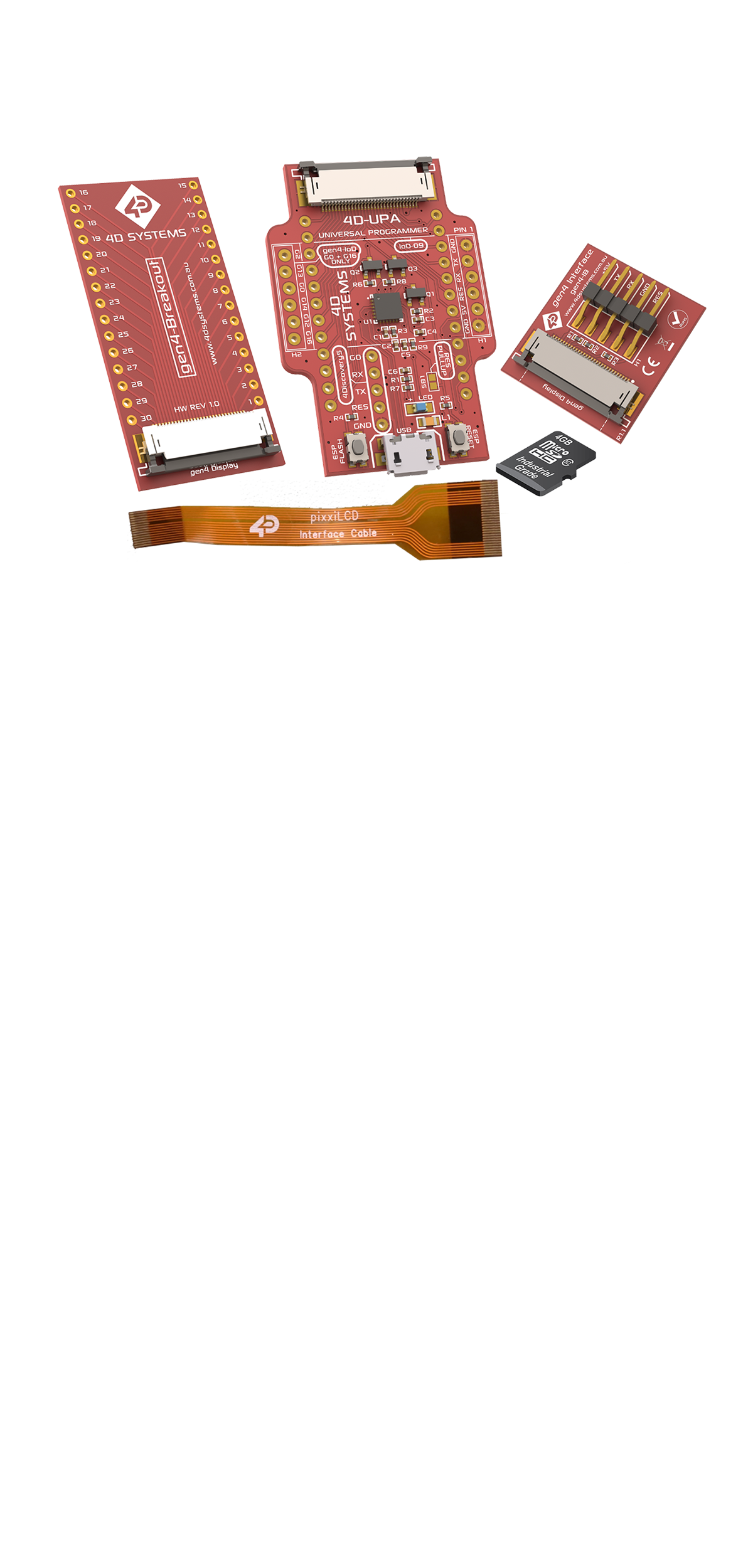
The pixxiLCD Starter Kit includes everything necessary for developing applications with any pixxiLCD Series display. It is highly recommended for first-time users and can be added to any display model.
The starter kit includes a 4D-UPA programmer, gen4-IB interface board, gen4-Breakout board, 15 to 30-way FFC, and microSD-4GB industrial card.
pixxiLCD Starter Kit

The gen4 Interface Board (gen4-IB) provides a simple, reliable connection between gen4 Intelligent Display Modules and external programming or host interfaces.
It converts the 30-way FFC into five essential signals for programming and communication, supporting uUSB-PA5, uUSB-PA5-II, and 4D Programming Cable.
GEN4-IB
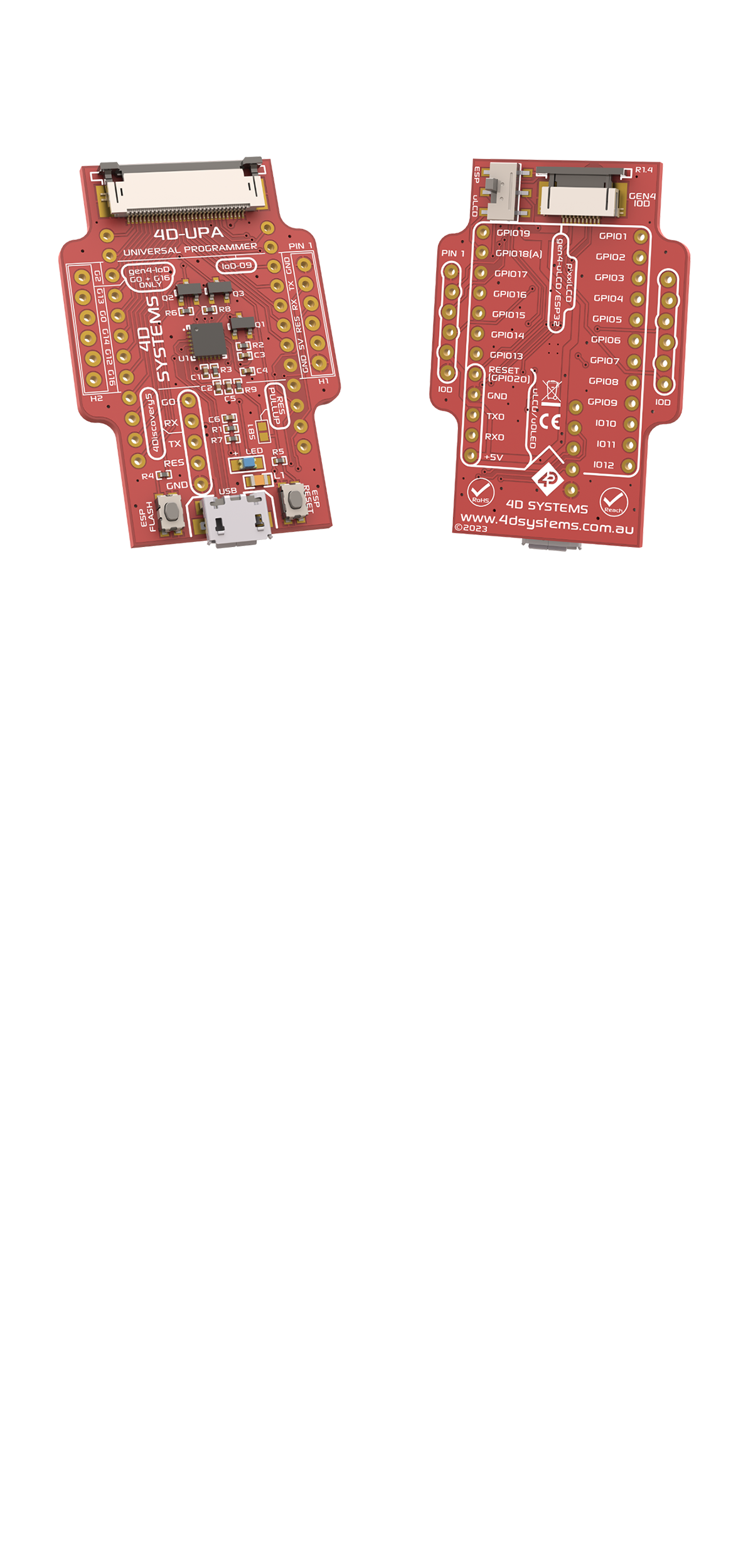
The 4D-UPA (Universal Programmer Adaptor) provides a reliable interface for programming, updating, and configuring 4D Systems display modules and processors.
Featuring a 30-way, 0.5mm pitch FPC connector, it ensures high-speed, stable communication with Workshop4 IDE, making it ideal for development, prototyping, and volume production environments.
4D-UPA
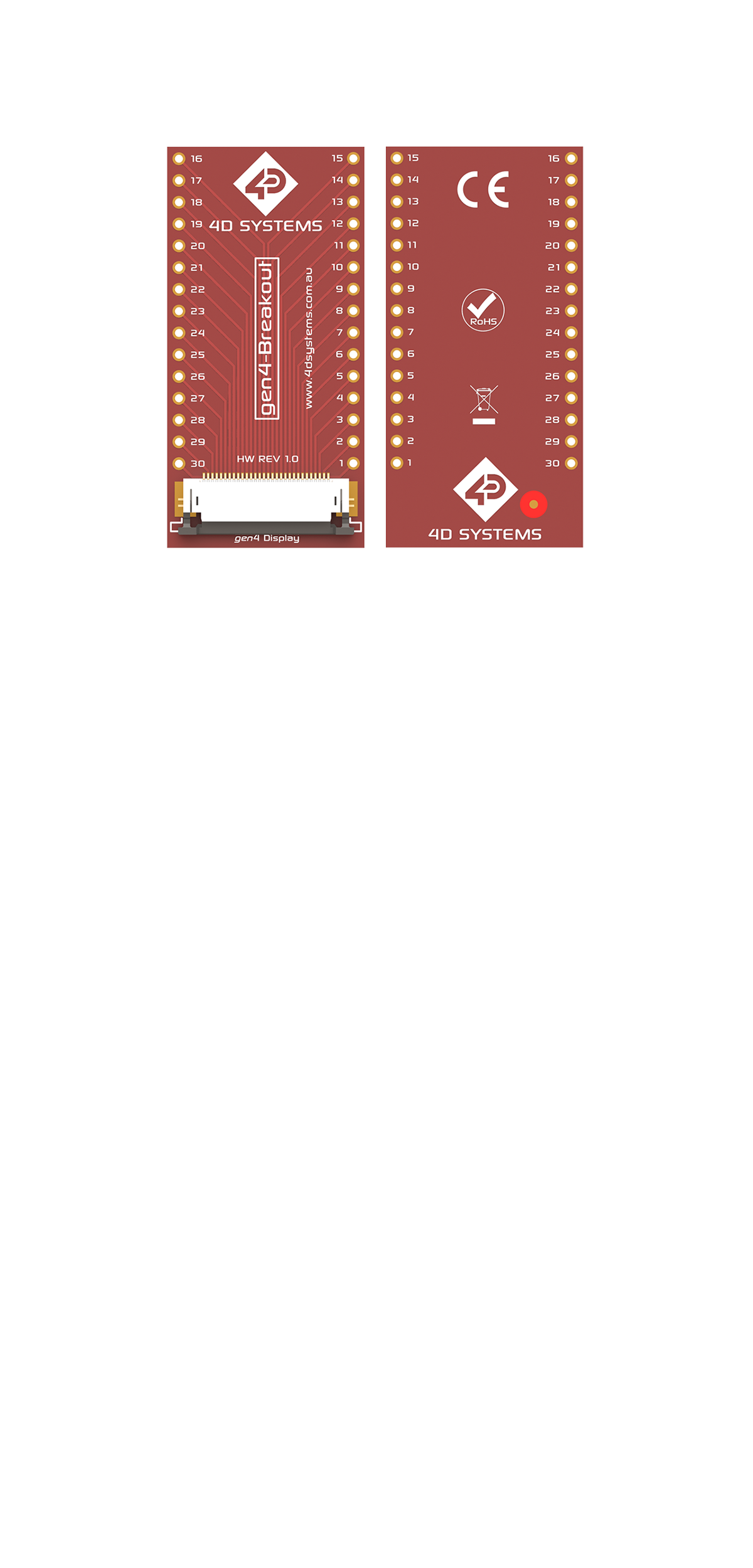
The gen4-Breakout Board offers direct access to all 30 signals from 4D gen4 and pixxiLCD modules via convenient through-hole pads.
Featuring a 30-way top-contact FFC connector, it simplifies development, prototyping, and integration by eliminating conflicts with USB interfaces. Compatible with all 30-way FFC modules, it enables flexible, breadboard-friendly connections without requiring direct management of the FPC.
gen4-Breakout

The 4D-FPC-PIXXILCD is a 30-way, 0.5mm pitch flexible printed circuit cable, purpose-built for high-reliability connections between PIXXILCD intelligent display modules and carrier boards.
Designed to support high-speed signal transmission with minimal loss, it ensures mechanical flexibility and durability in space-constrained embedded applications, enabling clean, robust integration in professional and industrial environments.
4D-FPC-PixxiLCD


Frequently Asked Questions
Find quick answers about our display modules, embedded integration, customization capabilities, and system compatibility.

How do I choose the right display module for my project?
Start by identifying the demands of your product environment: required screen size, touch capability, operating conditions and UI complexity. Our consistent form-factor families allow you to select a module that fits your constraints today and upgrade performance later without redesigning your enclosure or PCB. Our documentation hub provides comparison tables to assist selection.
What is the difference between a smart display and a host-driven display?
Smart displays include an onboard processor that handles graphics, widgets, UI logic and drawing commands internally. This reduces load on your host MCU, simplifies code and often shortens development time dramatically. Host-driven modules require the host MCU to manage everything, which may be appropriate for minimal UIs but introduces more integration work.
Can I upgrade processors without changing my enclosure or PCB?
Yes. Our architecture is deliberately designed around footprint consistency. Most display families maintain identical mechanical and electrical footprints across multiple processor types, enabling generation-to-generation performance improvements without mechanical redesign.
Do you offer non-touch and touch options?
Yes. Many display families provide variants for non-touch, resistive-touch and capacitive-touch configurations. Capacitive-touch variants are recommended for modern, responsive UI experiences.