


20+ Years of Experience
Embedded display engineering, end to end
Full Lifecycle Support
Products supported across full lifecycles
Field-Proven
Global deployments in demanding environments
Production-ready
Low-risk interfaces built to work the first time
4Discovery RS485 Programmer
Volume Discount
Available Models & Details
4Discovery RS485 Programmer
4Discovery RS485
4Discovery RS485
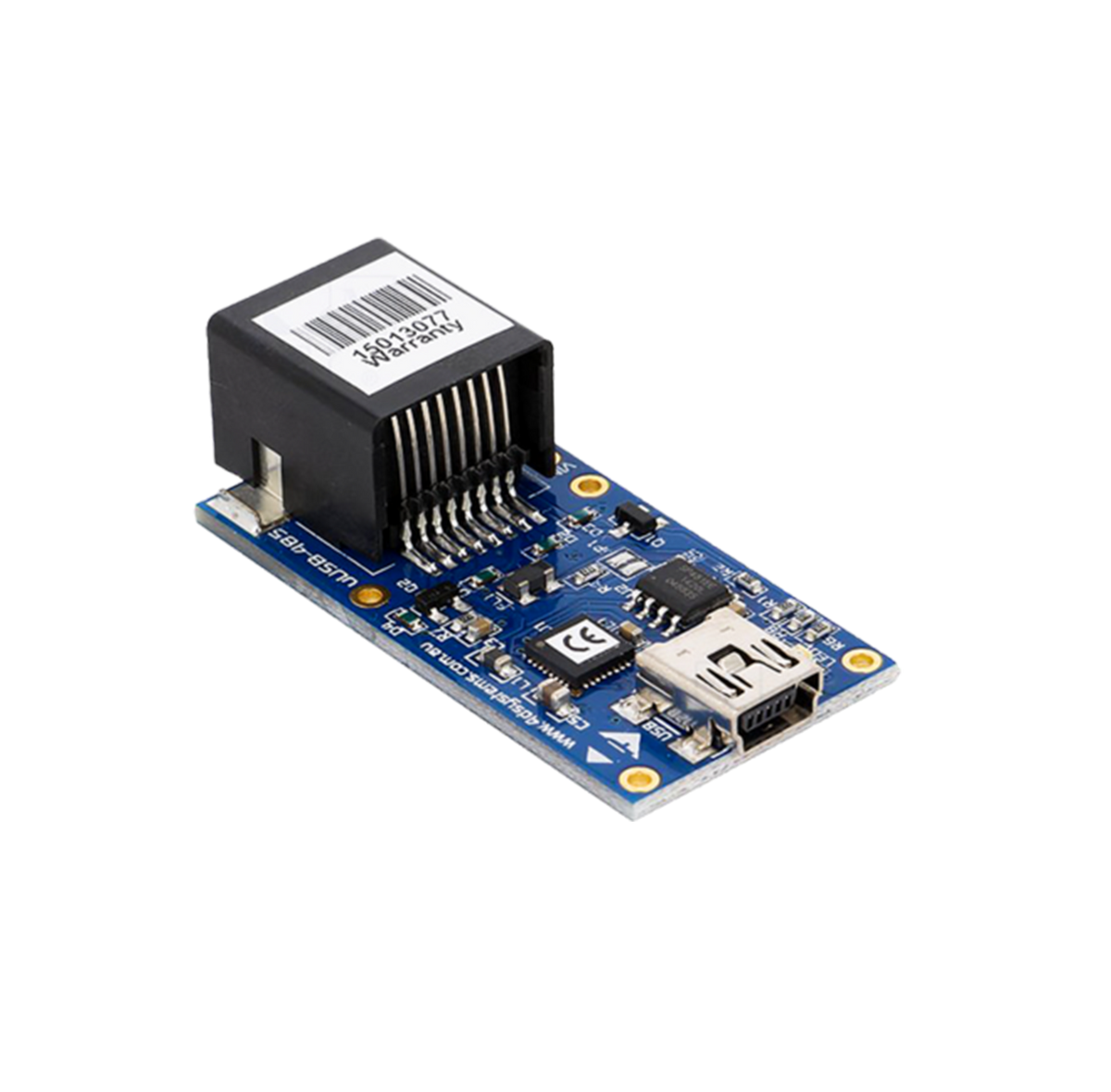
The 4Discovery RS-485 Programmer is an essential hardware tool for programming, customising, and testing the 4Discovery module.
The 4Discovery RS485 Programmer is used to program a new Firmware/PmmC, Display Driver and for transferring compiled Workshop4 Applications. It can even serve as an interface for communicating serial data to the PC. The 4D Programmer also supplies power to the 4Discovery, allowing it to be programmed on the bench or in the field. This is necessary because the 4Discovery must be disconnected from the RS485 network to be programmed with the 4D 485 Programmer, and therefore requires a power source.
Note: The 4Discovery cannot be programmed when connected to the RS-485 network. It needs to be 1:1 with the 4D 485 Programmer.

4Discovery RS485
The 4Discovery RS-485 Programmer is an essential hardware tool for programming, customising, and testing the 4Discovery module.
The 4Discovery RS485 Programmer is used to program a new Firmware/PmmC, Display Driver and for transferring compiled Workshop4 Applications. It can even serve as an interface for communicating serial data to the PC. The 4D Programmer also supplies power to the 4Discovery, allowing it to be programmed on the bench or in the field. This is necessary because the 4Discovery must be disconnected from the RS485 network to be programmed with the 4D 485 Programmer, and therefore requires a power source.
Note: The 4Discovery cannot be programmed when connected to the RS-485 network. It needs to be 1:1 with the 4D 485 Programmer.
Product Availability Statement


Frequently Asked Questions
Find quick answers about our display modules, embedded integration, customization capabilities, and system compatibility.

How do I choose the right display module for my project?
Start by identifying the demands of your product environment: required screen size, touch capability, operating conditions and UI complexity. Our consistent form-factor families allow you to select a module that fits your constraints today and upgrade performance later without redesigning your enclosure or PCB. Our documentation hub provides comparison tables to assist selection.
What is the difference between a smart display and a host-driven display?
Smart displays include an onboard processor that handles graphics, widgets, UI logic and drawing commands internally. This reduces load on your host MCU, simplifies code and often shortens development time dramatically. Host-driven modules require the host MCU to manage everything, which may be appropriate for minimal UIs but introduces more integration work.
Can I upgrade processors without changing my enclosure or PCB?
Yes. Our architecture is deliberately designed around footprint consistency. Most display families maintain identical mechanical and electrical footprints across multiple processor types, enabling generation-to-generation performance improvements without mechanical redesign.
Do you offer non-touch and touch options?
Yes. Many display families provide variants for non-touch, resistive-touch and capacitive-touch configurations. Capacitive-touch variants are recommended for modern, responsive UI experiences.