


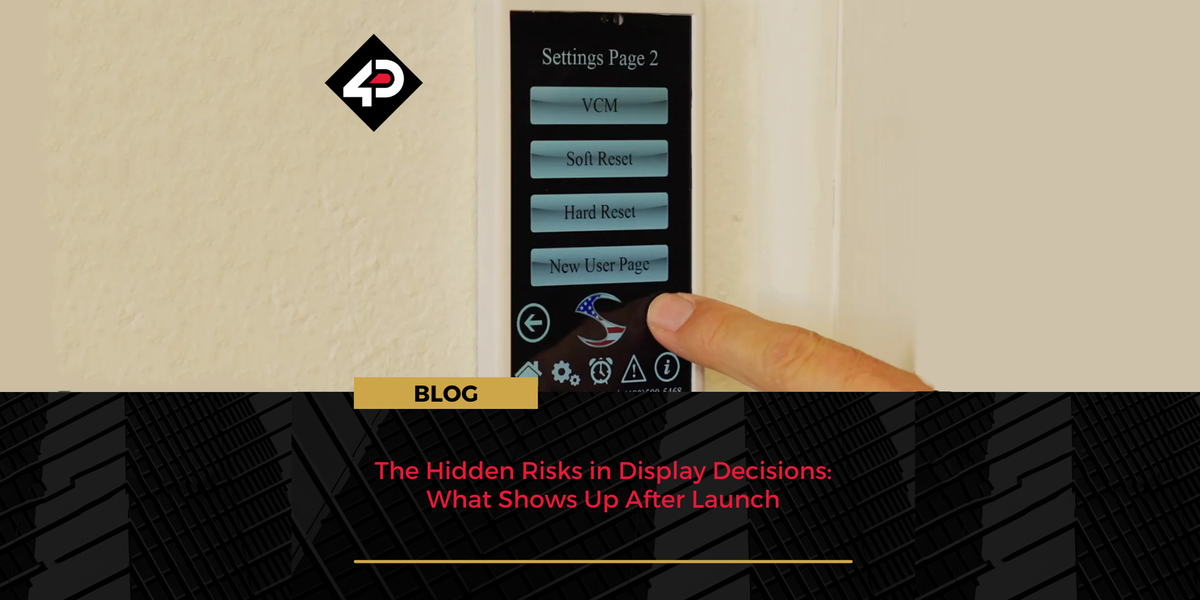
The Hidden Risks in Display Decisions: What Shows Up After Launch
In summary Display choices made early in a project carry hidden operational costs that only surface after launch, in field reliability, component sourcing, interface performance and ongoing suppor...

Designing Custom HMIs Without Blowing the Schedule
Designing a custom HMI isn’t just about the interface. It’s a complex system spanning mechanics, electronics, firmware, and integration. This guide breaks down a practical, schedule-safe approach t...

From Concept to Casing & Bridging the Gap Between Design and Deployment
Taking an embedded display from concept to a working product often reveals a gap between design and reality. This article explores how that gap can be closed using a structured, repeatable workflow...

The 4D Systems Workshop Software Ecosystem
Explore the 4D Systems Workshop software ecosystem, comparing Workshop4 and Workshop5 to understand which IDE best suits your development needs. From Workshop4’s proven, production-ready environmen...

Workshop4 vs Workshop5: Choosing the Right IDE for Your Project
In embedded development, the wrong IDE choice can surface months later as rework, stalled upgrades, or tooling dead ends. The transition from Workshop4 to Workshop5 is not a simple upgrade decision...

Workshop5: Next-Generation of Embedded GUI Design
Workshop5 IDE streamlines embedded GUI design with improved performance, flexible workflows, and advanced widget support.

New gen4-ESP32Q: More I/O, Lower Cost
The gen4-ESP32q Series offers more GPIO, lower resolution, and lower cost—perfect for smart control panels and budget-friendly embedded systems.

More Power, Same Size: The New uLCD-144-P2
The uLCD-144-P2 upgrades the uLCD-144-G2 with the PIXXI-28 processor, maintaining a compact design. It features onboard FLASH or microSD support, works with Workshop 4 & 5 IDEs, and integrates ...

Expanding the gen4-uLCD Series
The gen4-uLCD Series offers 2.4"–7" touch displays with the DIABLO-16 processor, supporting Workshop4 IDE and Arduino/Raspberry Pi integration for versatile applications.

REPTOR-250 Project: Rock SBC Advanced Status Monitor
At 4D Systems, our mission is to deliver innovative tools for efficient and flexible project development. The REPTOR-250 is a compact display module designed for seamless integration, offering a us...

REPTOR-250 Project: Raspberry Pi Advanced Status Monitor
At 4D Systems, we empower engineers and developers with innovative solutions like the REPTOR-250 display module. In our latest project, the Raspberry Pi Advanced Status Monitor, you'll see how this...

uLCD-480RD: A Breakthrough in Visual Display Solutions
The uLCD-480RD is a 2.1″ round intelligent display powered by the DIABLO-16 processor, offering 480-pixel diameter resolution. Available in touch and non-touch models, it’s easily programmed with t...
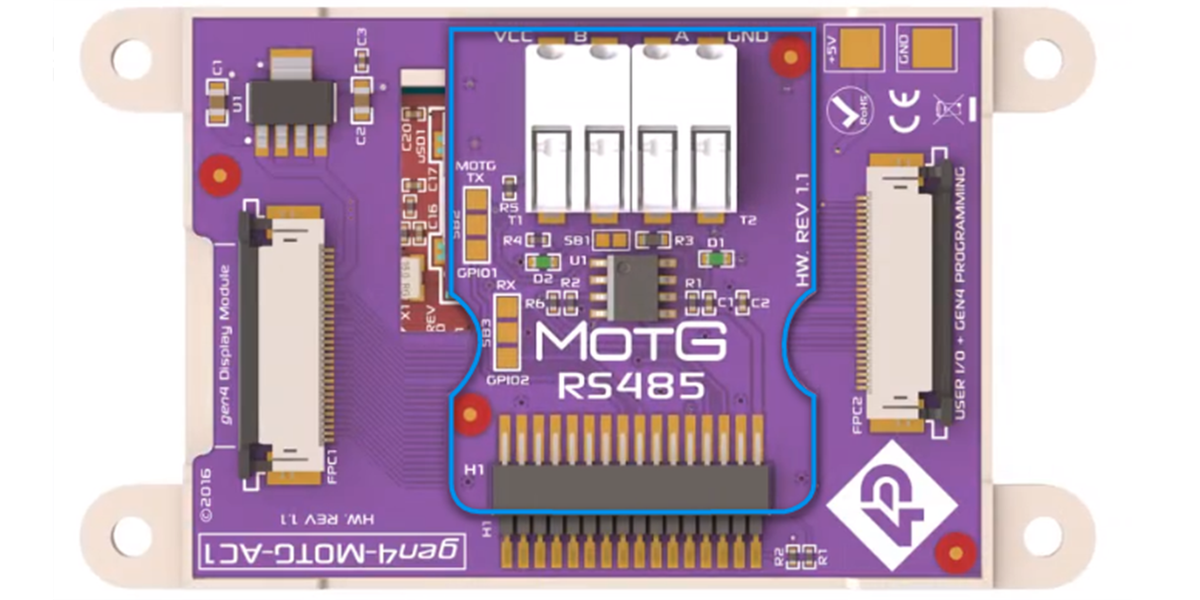
No RS485 in your display processor? Here’s a solution
This article elucidates the imperative of RS485 communication in industrial settings, especially in long-distance data transmission amongst varied devices. It delineates how 4D Systems’ MOTG-RS485 ...
![[Webinar Recording] Advancing Critical Care with Intelligent Displays](http://4dsystems.com.au/cdn/shop/articles/MicrosoftTeams-image-blog-banner_0539a0c6-cee3-4996-a8c2-709259846456.png?v=1773707575&width=2400)
[Webinar Recording] Advancing Critical Care with Intelligent Displays
This blog offers a recap of a recent webinar session detailing the introduction of the Amarysia Artemis, a 3D-printed medical mask designed for ICU scenarios. Equipped with integrated bio-sensor an...
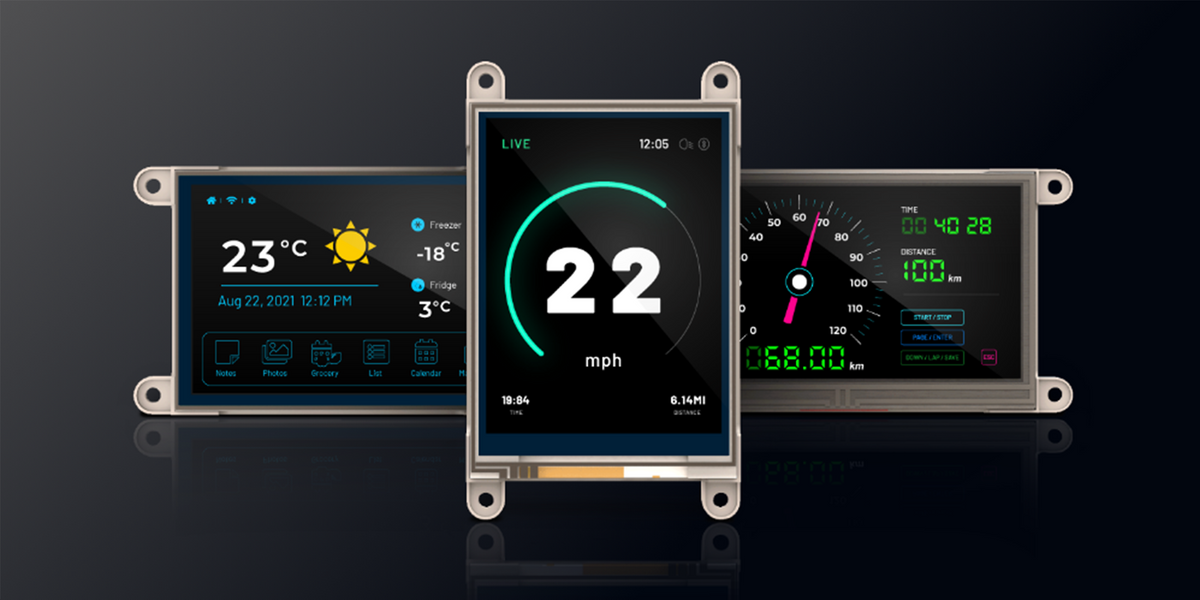
Careful there! Your guide to touch screen care.
This guide delves into comprehensive methods for maintaining touch screens, an integral component in modern electronics, to ensure their optimum accuracy, performance, and longevity. It encompasses...
Innovative Display Solutions


Frequently Asked Questions
Find quick answers about our display modules, embedded integration, customization capabilities, and system compatibility.

How do I choose the right display module for my project?
Start by identifying the demands of your product environment: required screen size, touch capability, operating conditions and UI complexity. Our consistent form-factor families allow you to select a module that fits your constraints today and upgrade performance later without redesigning your enclosure or PCB. Our documentation hub provides comparison tables to assist selection.
What is the difference between a smart display and a host-driven display?
Smart displays include an onboard processor that handles graphics, widgets, UI logic and drawing commands internally. This reduces load on your host MCU, simplifies code and often shortens development time dramatically. Host-driven modules require the host MCU to manage everything, which may be appropriate for minimal UIs but introduces more integration work.
Can I upgrade processors without changing my enclosure or PCB?
Yes. Our architecture is deliberately designed around footprint consistency. Most display families maintain identical mechanical and electrical footprints across multiple processor types, enabling generation-to-generation performance improvements without mechanical redesign.
Do you offer non-touch and touch options?
Yes. Many display families provide variants for non-touch, resistive-touch and capacitive-touch configurations. Capacitive-touch variants are recommended for modern, responsive UI experiences.
INDUSTRIES WE SERVE
Across all industries, engineers want clarity, stability, and intelligent embedded design.
We design solutions that align with how engineering teams work. Our approach reduces redesigns, supports multiple processors with the same form factor, and integrates cleanly with existing hardware.


