



20+ Years
Embedded display engineering, end to end
Full Lifecycle Support
Products supported across full lifecycles
Field-Proven
Global deployments in demanding environments
Production-ready
Low-risk interfaces built to work the first time
Graphics Processor
for testing only
Display Solution
for testing only
Flash Memory
for testing only
Temperature Range
for testing only
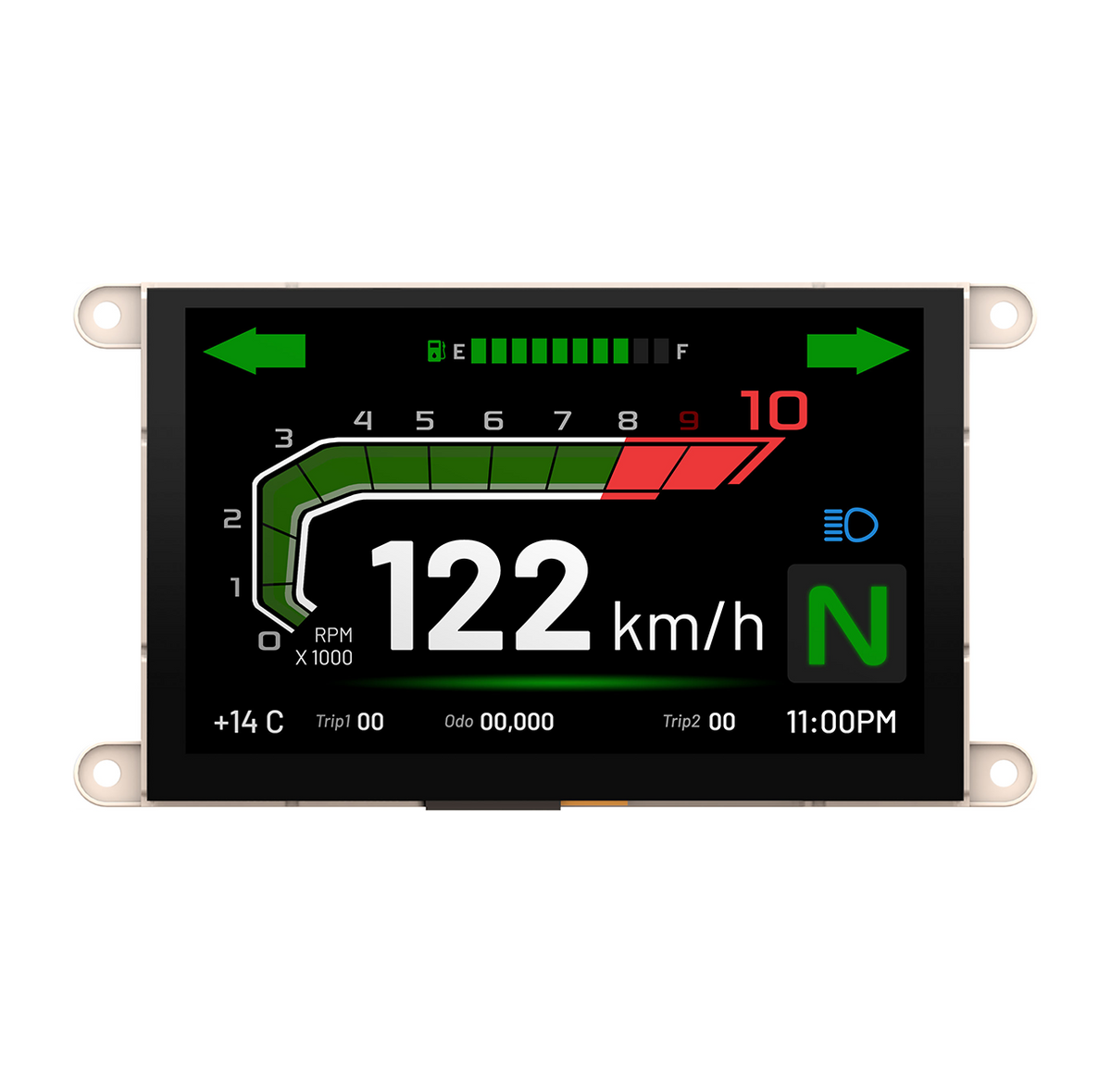
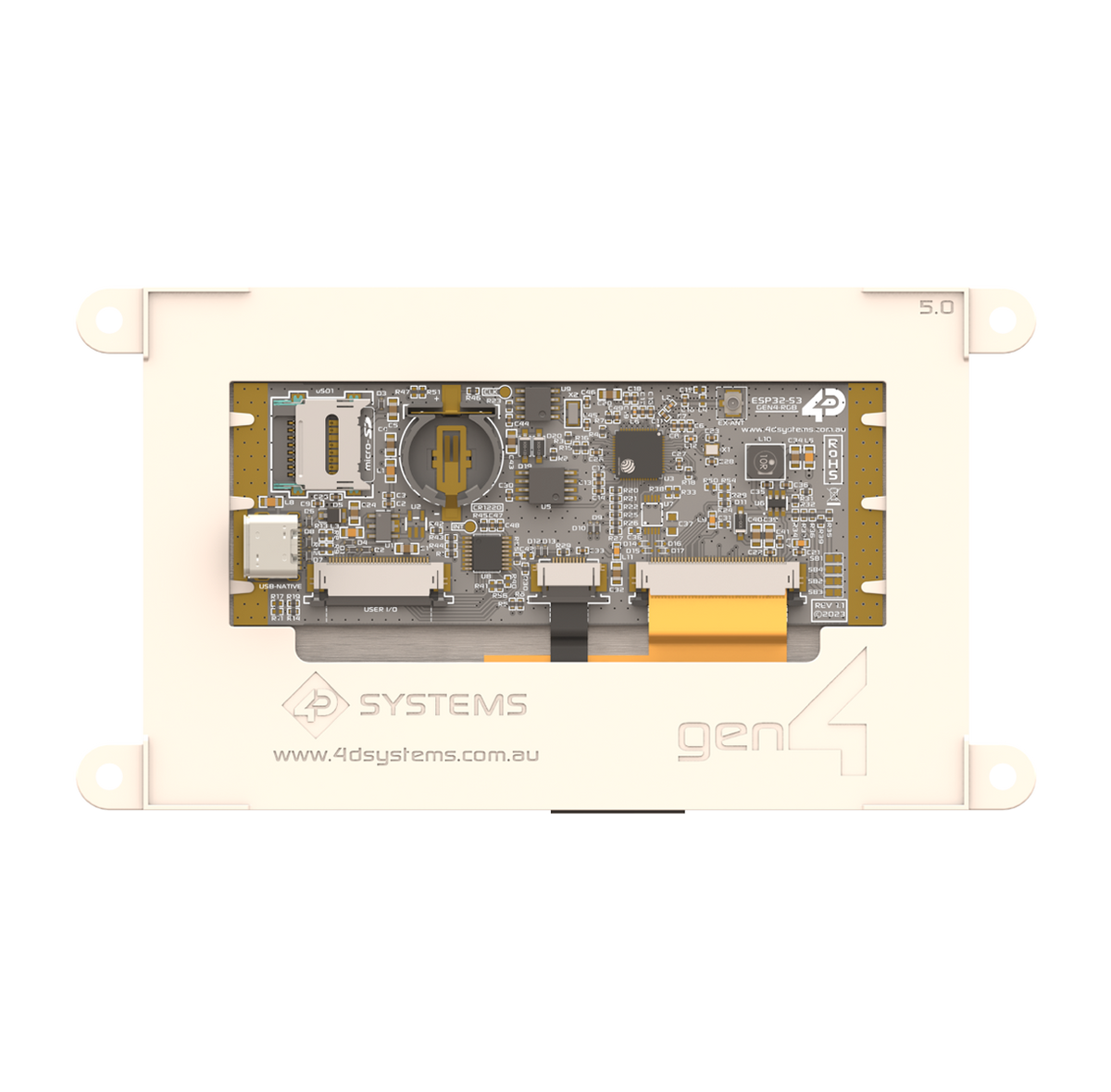
gen4-ESP32-50CT (Speedometer UI) Test product
This Speedometer UI is optimized for the Gen4-ESP32-50CT display module, providing dynamic speed readings with efficient rendering performance. It features a high-contrast dial, digital readout, and customizable design suited for embedded or automotive-style interfaces.
Volume Discount
Products included in the gen4-ESP32-50CT (Speedometer UI) Test product
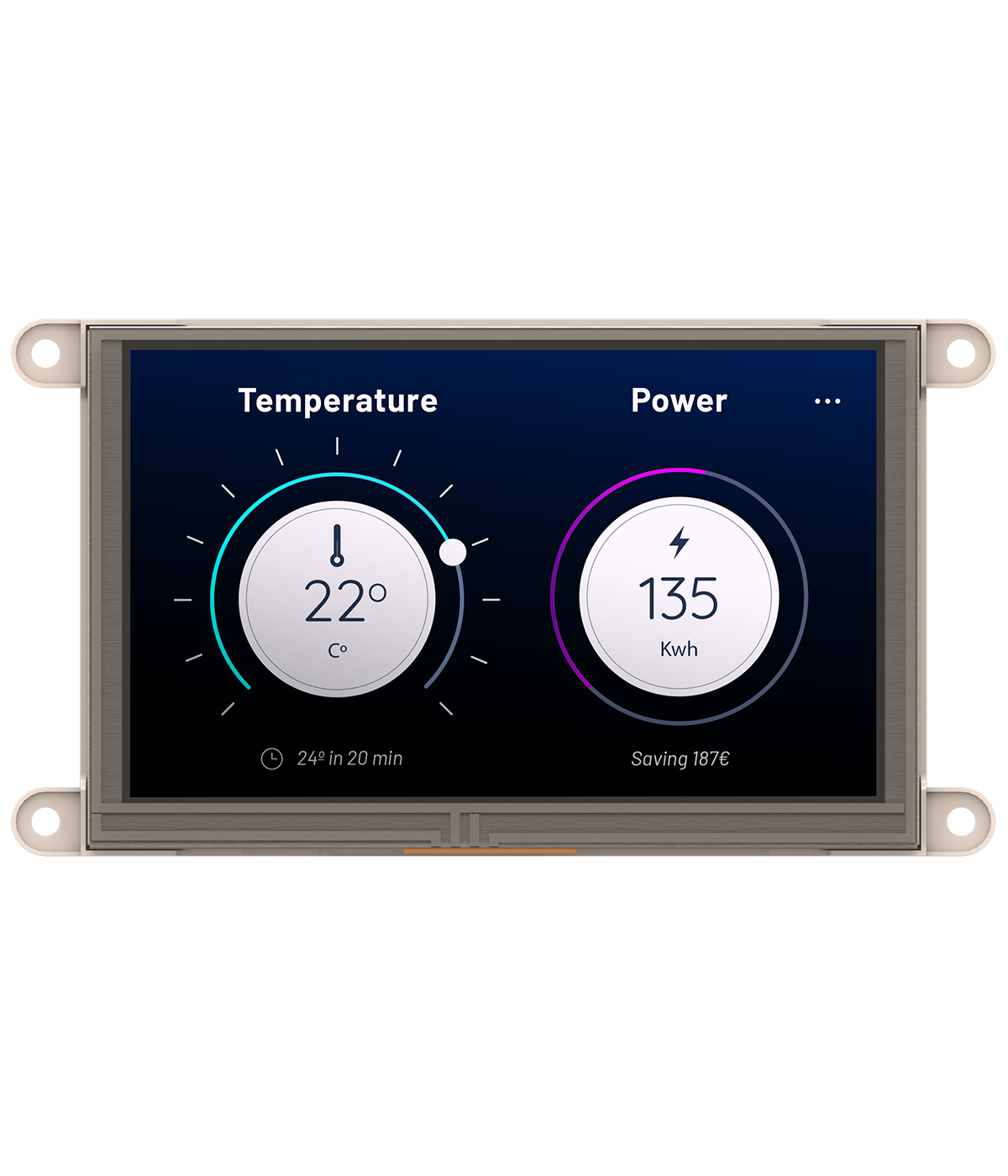
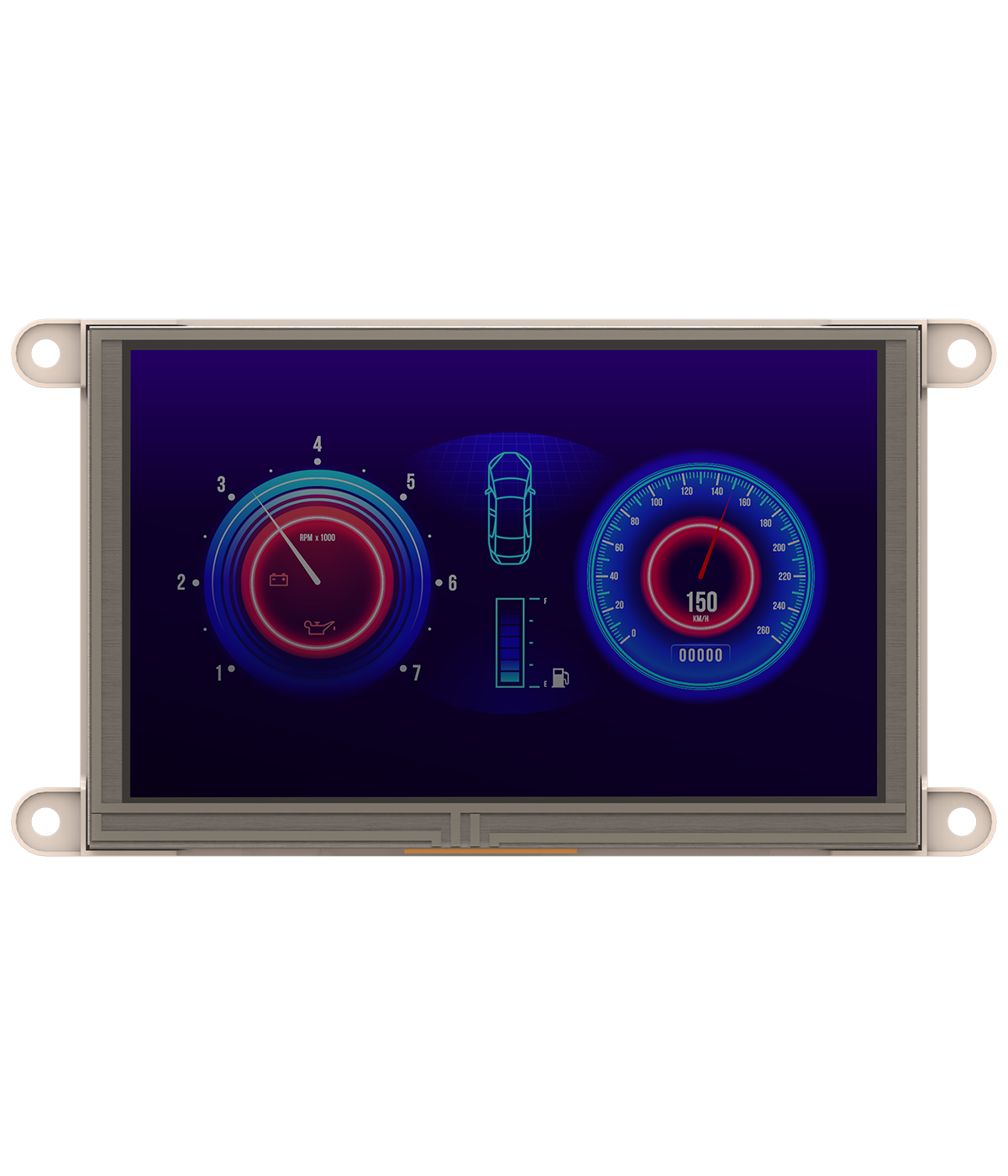


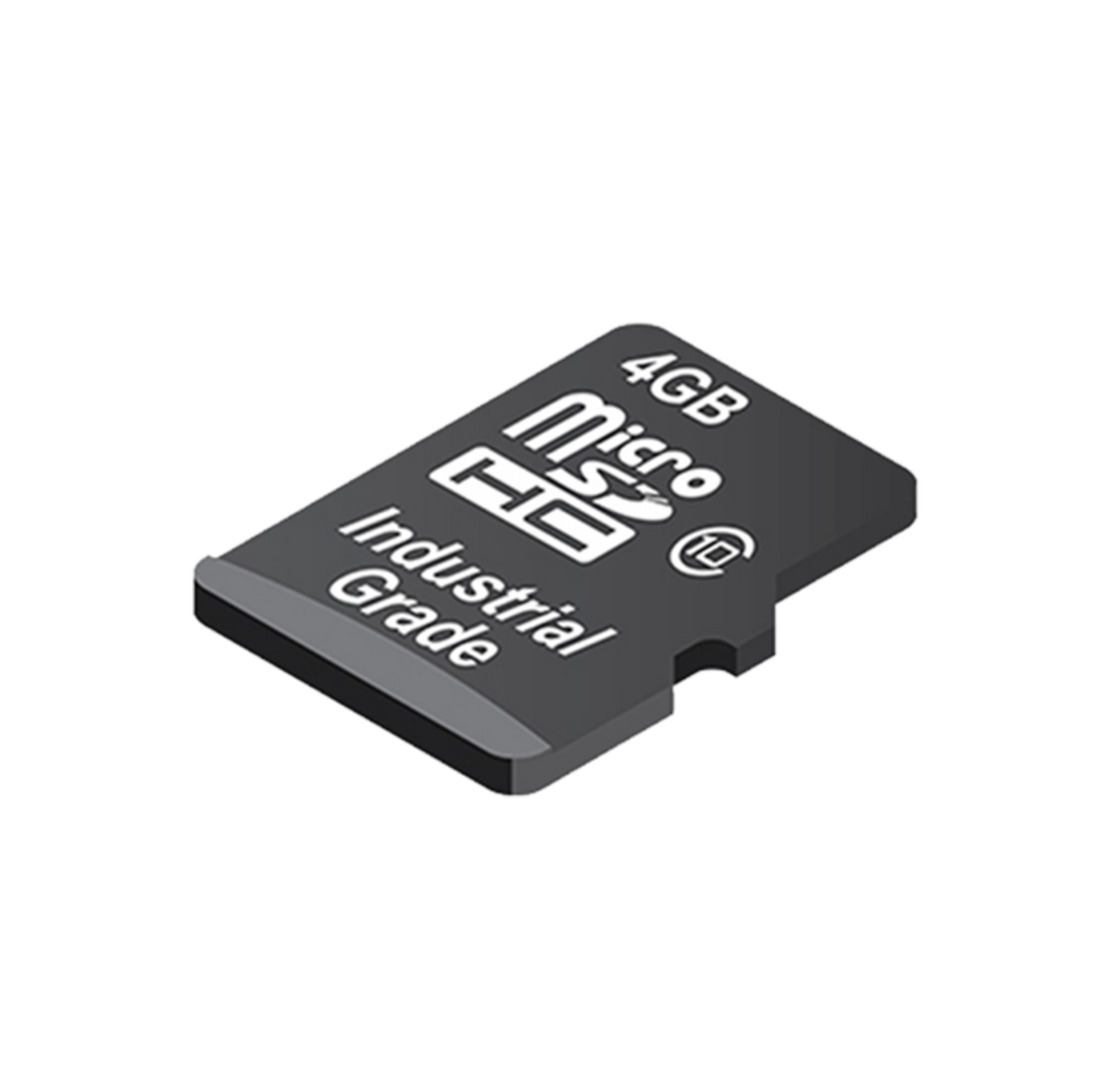

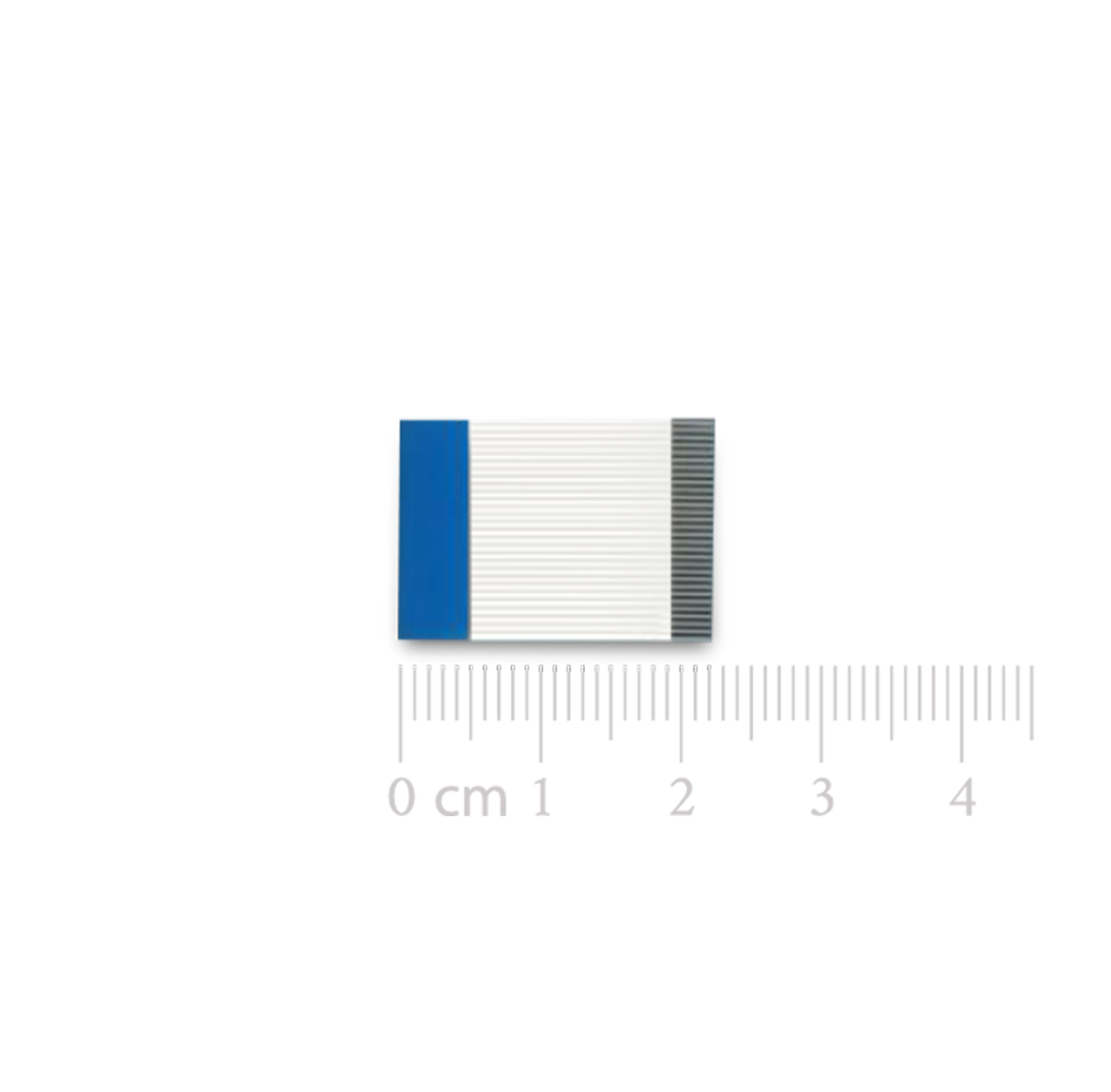
Speedometer UI for Gen4-ESP32-50CT
The Speedometer UI is specifically optimized for the Gen4-ESP32-50CT display module, offering a modern, digital interface that delivers real-time speed readings with exceptional clarity and performance. Designed for LCD-based applications, this UI ensures smooth data visualization and efficient resource management, making it ideal for embedded systems and automotive-style display solutions.
Featuring a clean digital layout with a high-contrast speed indicator, this Speedometer UI provides instant, accurate readings that are easy to interpret at a glance. The interface includes dynamic visual elements, such as responsive numerical readouts and animation effects, which enhance the overall interactivity and user experience. Its high refresh rate rendering ensures smooth transitions and seamless updates, even during rapid data changes.
Built for performance and customization, developers can easily modify the color theme, typography, and layout to match their specific application needs—whether for dashboards, monitoring panels, or custom digital instrumentation. The design is engineered to take full advantage of the Gen4-ESP32-50CT’s processing capabilities, achieving efficient GPU-driven rendering while maintaining low CPU load and memory consumption.
With its scalable architecture, this Speedometer UI can be integrated into more complex LCD systems that require multiple data points, such as RPM, temperature, or fuel level indicators. The interface maintains consistent visual quality across various screen orientations and resolutions, ensuring compatibility with diverse embedded display environments.
Perfect for automotive, industrial, and consumer electronic applications, this digital Speedometer UI combines reliability, precision, and visual sophistication—providing a professional-grade user experience on the Gen4-ESP32-50CT platform.


Product Availability Statement


WORKSHOP5 IDE
Tailored Development for 4D Processors and Modules

Workshop5 is a powerful IDE designed to streamline user interface design and application development for the 4D Systems family of processors and modules. By integrating an editor, compiler, linker, and downloader into one cohesive platform, it offers a comprehensive solution for developers of all skill levels.
Workshop5 provides four distinct development environments to accommodate various project needs. ViSi offers a visual programming experience with drag-and-drop functionality to simplify design and generate 4DGL code, while Genie enables rapid, code-free UI creation with automatic code generation and a Genie Magic feature for custom enhancements. The Extended Serial (SPE) environment facilitates development using serial commands, connecting host controllers such as Arduino to 4D displays for direct graphical control.
This versatility allows developers to create and fine-tune sophisticated user interfaces with ease. Whether working entirely within the IDE or integrating other tools, Workshop5 offers flexibility to meet different development preferences. Its unified, user-friendly approach makes it an excellent choice for building and managing complex projects, ensuring a seamless transition from graphical design to core functionality. With its tailored environments, developers can efficiently develop modern and customized interfaces for a wide range of applications.
Frequently Asked Questions
Find quick answers about our display modules, embedded integration, customization capabilities, and system compatibility.

How do I choose the right display module for my project?
Start by identifying the demands of your product environment: required screen size, touch capability, operating conditions and UI complexity. Our consistent form-factor families allow you to select a module that fits your constraints today and upgrade performance later without redesigning your enclosure or PCB. Our documentation hub provides comparison tables to assist selection.
What is the difference between a smart display and a host-driven display?
Smart displays include an onboard processor that handles graphics, widgets, UI logic and drawing commands internally. This reduces load on your host MCU, simplifies code and often shortens development time dramatically. Host-driven modules require the host MCU to manage everything, which may be appropriate for minimal UIs but introduces more integration work.
Can I upgrade processors without changing my enclosure or PCB?
Yes. Our architecture is deliberately designed around footprint consistency. Most display families maintain identical mechanical and electrical footprints across multiple processor types, enabling generation-to-generation performance improvements without mechanical redesign.
Do you offer non-touch and touch options?
Yes. Many display families provide variants for non-touch, resistive-touch and capacitive-touch configurations. Capacitive-touch variants are recommended for modern, responsive UI experiences.